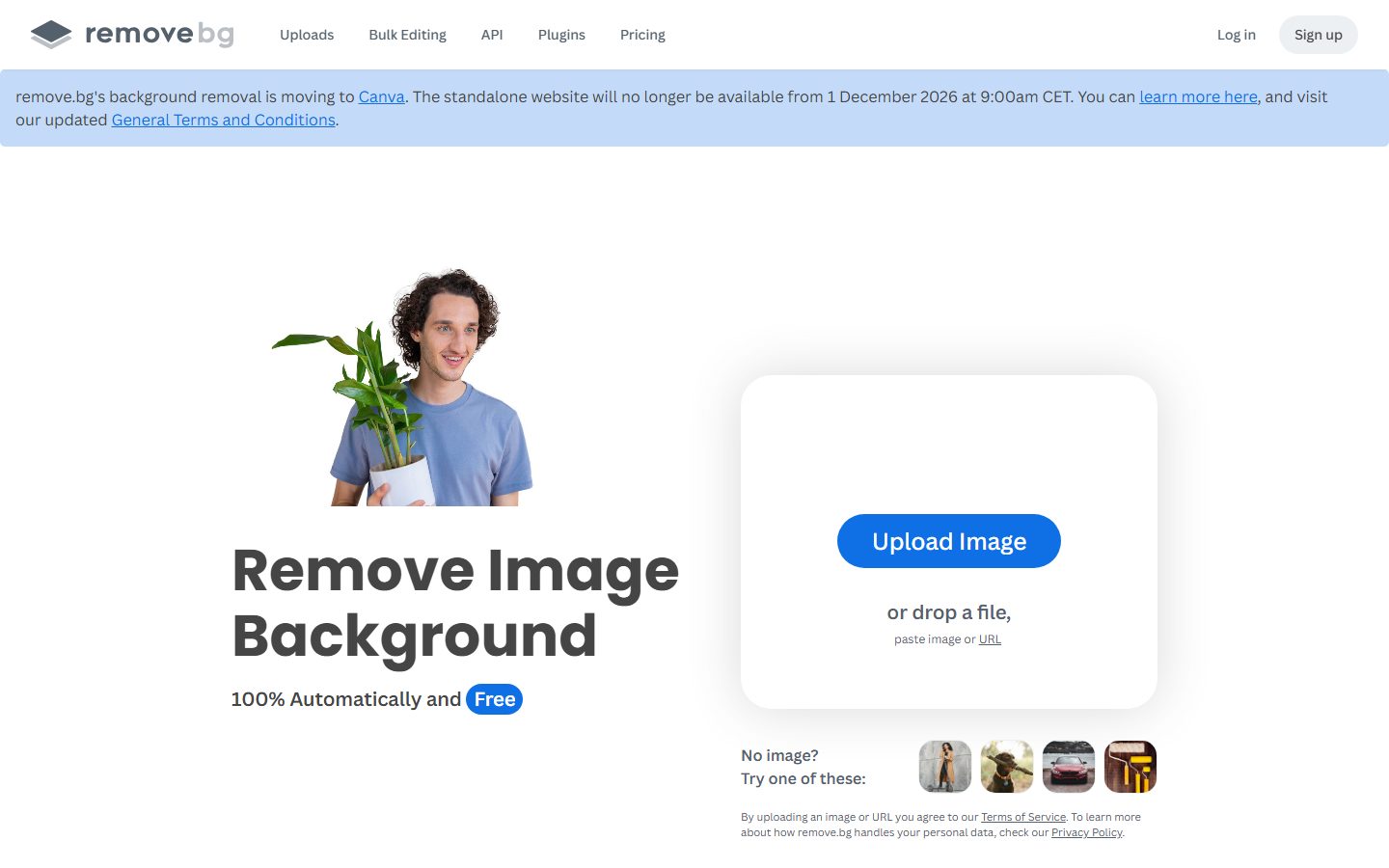
Remove image backgrounds automatically in 5 seconds with just one click. Don't spend hours manually picking pixels. Upload your photo now & see the magic.
Founded 2018
From Paid

AI tools that remove or replace the background in images and video.
Compare AI background removers for images and video. Test them on hair, fur and semi-transparent edges, check full-resolution output and pricing, and look for bulk processing if you have a catalogue to get through.
 C
C  C
C  E
E  P
P  F
F  8 AI tools
 Every listing reviewed by our team
Featured placements always labeled
Verified profiles claimed by makers
Submit your tool★ FEATURED IN BACKGROUND REMOVER
Remove image backgrounds automatically in 5 seconds with just one click. Don't spend hours manually picking pixels. Upload your photo now & see the magic.
Founded 2018
From Paid
Paid
Remove Background from Image for Free, remove.bg
Pricing hidden
Create stunning visuals in seconds with AI
Pricing hidden
AI Photo Editing
Pricing hidden
Free Background Image Remover: Remove BG from HD Images Online
Pricing hidden
PicWish AI Photo Editor
Pricing hidden
FocoClipping Remove BG

Pricing hidden
Pokecut: Free Online AI Photo Editor & Image Generator

Pricing hidden
Keep the best cutout
No tools match these filters.
Showing of tools
Background removers separate a subject from its background automatically. It is a narrow job, done many times a day by anyone working with product photography or design assets.
Every tool handles a simple silhouette well. The real test is hair, fur, glass and motion blur, which is where quality differences become obvious and where manual correction tools start to matter.
Most teams get the best results by picking a tool built for the kind of design they do most often:
| Tool | Best for | Pricing |
|---|---|---|
| Remove.bg | Remove Background from Image for Free, remove.bg | Paid |
| Clipdrop | Create stunning visuals in seconds with AI | See listing |
| Cutout.Pro | AI Photo Editing | See listing |
| Erase.bg | Free Background Image Remover: Remove BG from HD Images Online | See listing |
| PicWish | PicWish AI Photo Editor | See listing |
| FocoClipping | FocoClipping Remove BG | See listing |
| Pokecut AI | Pokecut: Free Online AI Photo Editor & Image Generator | See listing |
| BGBye | Keep the best cutout | See listing |
Free plans in Background Remover are usually enough to test a tool and handle occasional work. Paid plans typically lift usage limits, unlock the more advanced models or exports, and add the team features you need once more than one person is involved. Prices on this page come from each tool's own pricing page, so confirm on their site before you buy.
Start with the kind of work you do most, shortlist two or three tools built for it, and try their free plans on a real project. Compare how editable the results are, how well they fit your existing workflow, and what the exports look like before you pay for a year.
QUESTIONS
Quick answers about AI Background Remover tools.
Contact usFor simple shapes, usually. They typically limit output resolution, which matters for print and large displays but not for web thumbnails.
This is the clearest quality difference between tools. The best handle it convincingly; most leave a halo you have to correct by hand.
Yes, several tools do video, though it costs more and quality drops with fast motion and low contrast between subject and background.
8 AI Background Remover tools are listed, including Remove.bg, Clipdrop, Cutout.Pro, Erase.bg, PicWish, FocoClipping. Verified listings show full features, pricing, and pros and cons.