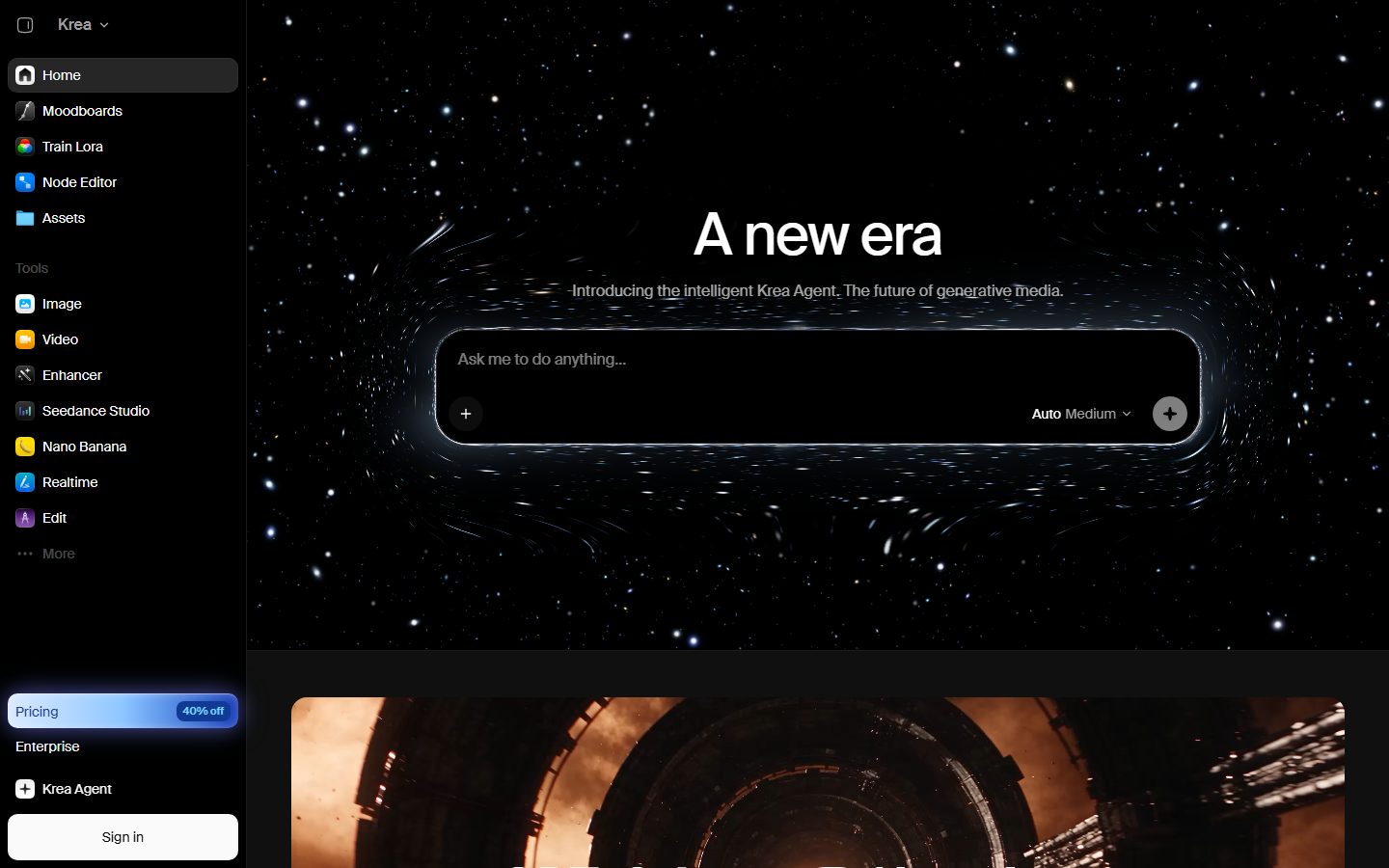
Krea is the world's most powerful creative AI suite. Generate, edit, and enhance images and videos using powerful AI for free.
Free plan available Founded 2022 United States
From $21 / month

AI tools for retouching, upscaling and editing photos and graphics.
Compare AI image editors for retouching, upscaling, object removal and background work. Look at how much detail survives an edit, whether output is high enough resolution for print, and how batches of images are handled.
 C
C  P
P  P
P  T
T  L
L  11 AI tools
 Every listing reviewed by our team
Featured placements always labeled
Verified profiles claimed by makers
Submit your tool★ FEATURED IN IMAGE EDITOR
Krea is the world's most powerful creative AI suite. Generate, edit, and enhance images and videos using powerful AI for free.
Free plan available Founded 2022 United States
From $21 / month
Freemium from $21 / month
Krea is the world's most powerful creative AI suite
Pricing hidden
Create stunning visuals in seconds with AI
Pricing hidden
The AI Creative Platform
Pricing hidden
Free AI Photo Editor & Image Generator Online
Pricing hidden
Professional photo & video enhancement powered by AI
Pricing hidden
AI Image App to Upscale, Sharpen & Improve Quality Online

Pricing hidden
AI Photo Editor Online - Free to Try
Pricing hidden
AI Image Upscaler - Enlarge & Enhance Your Photos for Free

Pricing hidden
how it w o rks

Pricing hidden
All-in-One AI Video & Image Creation Platform
Pricing hidden
Free Online AI Photo Editor
No tools match these filters.
Showing of tools
AI image editors change photographs you already have rather than generating new ones. They remove objects, replace backgrounds, raise resolution, fix lighting and retouch faces, usually in a click rather than with layers and masks.
The quality question is always detail. A good editor removes what you asked for and leaves textures, edges and labels intact; a poor one smears everything around the change.
Most teams get the best results by picking a tool built for the kind of design they do most often:
| Tool | Best for | Pricing |
|---|---|---|
| Krea AI | Krea is the world's most powerful creative AI suite | Freemium · from $21 / month |
| Clipdrop | Create stunning visuals in seconds with AI | See listing |
| Picsart | The AI Creative Platform | See listing |
| Pixlr | Free AI Photo Editor & Image Generator Online | See listing |
| Topaz Labs | Professional photo & video enhancement powered by AI | See listing |
| Let's Enhance | AI Image App to Upscale, Sharpen & Improve Quality Online | See listing |
| SnapEdit | AI Photo Editor Online - Free to Try | See listing |
| Upscale.media | AI Image Upscaler - Enlarge & Enhance Your Photos for Free | See listing |
Free plans in Image Editor are usually enough to test a tool and handle occasional work. Paid plans typically lift usage limits, unlock the more advanced models or exports, and add the team features you need once more than one person is involved. Prices on this page come from each tool's own pricing page, so confirm on their site before you buy.
Start with the kind of work you do most, shortlist two or three tools built for it, and try their free plans on a real project. Compare how editable the results are, how well they fit your existing workflow, and what the exports look like before you pay for a year.
It adds plausible detail rather than real detail. The result usually looks better at normal viewing size, but it is an interpretation, not recovered information.
Technically often yes, but only do it on images you own or have permission to use. Removing someone else's watermark is a copyright problem, not a technical one.
For many jobs, yes, provided the tool outputs at high enough resolution. Check the export size and inspect edges at 100% before sending anything to print.
11 AI Image Editor tools are listed, including Krea AI, Clipdrop, Picsart, Pixlr, Topaz Labs, Let's Enhance. Verified listings show full features, pricing, and pros and cons.