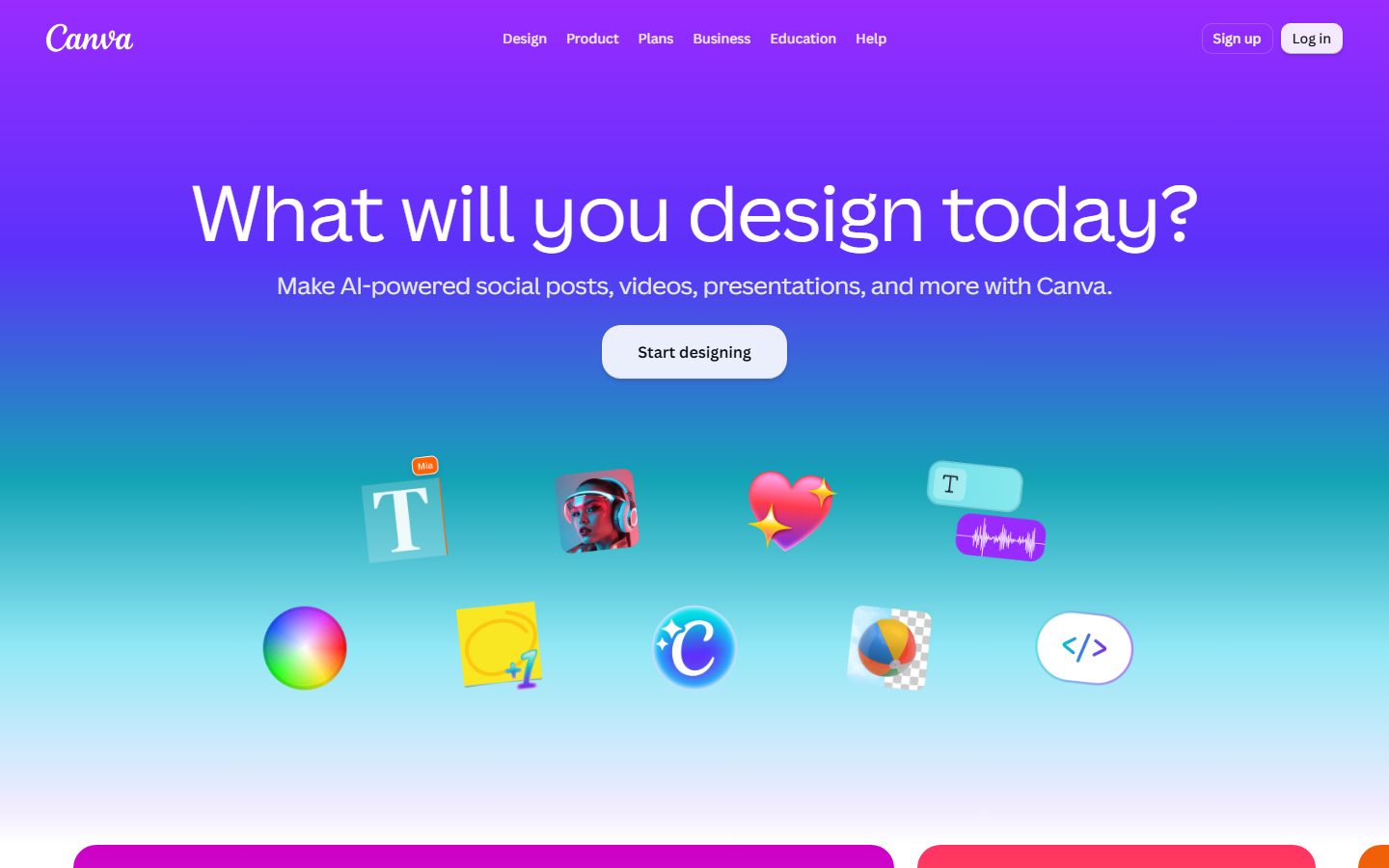
Canva is a free-to-use online graphic design tool. Use it to create social media posts, presentations, posters, videos, logos and more.
Free plan available Founded 2013
From Free Trial

AI design tools for graphics, branding, presentations and layouts.
Browse AI design tools that turn prompts, sketches, and templates into graphics, presentations, logos, websites, and app mockups. Compare editing control, brand kits, export options, and collaboration features for marketers, founders, and design teams.
 A
A  R
R  P
P  M
M  K
K  13 AI tools
 Every listing reviewed by our team
Featured placements always labeled
Verified profiles claimed by makers
Submit your tool★ FEATURED IN DESIGN
Canva is a free-to-use online graphic design tool. Use it to create social media posts, presentations, posters, videos, logos and more.
Free plan available Founded 2013
From Free Trial
Free Trial
Canva: Visual Suite for Everyone
Pricing hidden
AI Ad Creative Generator for High-Converting Ads
Pricing hidden
Recraft is a top-ranked text-to-image model and design platform for photorealism, vector genera
Pricing hidden
The AI Creative Platform
Pricing hidden
Stunning designs in a flash
Pricing hidden
The AI-First Design Platform for Creators
Pricing hidden
Infographic Tools & AI Design Platform for 34M Users

Pricing hidden
World's First AI Design Agent

Pricing hidden
Generative AI Canvas for Creative Teams
Pricing hidden
Fast drawing for everyone
Pricing hidden
Your AI Motion Designer
Pricing hidden
Edraw.AI: AI-Powered Visual Collaboration Platform
Pricing hidden
Your AI Creative Partner
No tools match these filters.
Showing of tools
AI design tools help anyone create graphics, presentations, logos, websites, and interface mockups in minutes. They turn prompts, sketches, or templates into editable designs you can refine.
The best choice depends on what you make most: social graphics and decks, brand assets, or product and web design with full layout control.
Most teams get the best results by picking a tool built for the kind of design they do most often:
| Tool | Best for | Pricing |
|---|---|---|
| Canva AI | Canva: Visual Suite for Everyone | Free Trial |
| AdCreative.ai | AI Ad Creative Generator for High-Converting Ads | See listing |
| Recraft AI | Recraft is a top-ranked text-to-image model and design platform for photorealism, vector genera | See listing |
| Picsart | The AI Creative Platform | See listing |
| Microsoft Designer | Stunning designs in a flash | See listing |
| Kittl | The AI-First Design Platform for Creators | See listing |
| Piktochart | Infographic Tools & AI Design Platform for 34M Users | See listing |
| Lovart | World's First AI Design Agent | See listing |
Free plans in Design are usually enough to test a tool and handle occasional work. Paid plans typically lift usage limits, unlock the more advanced models or exports, and add the team features you need once more than one person is involved. Prices on this page come from each tool's own pricing page, so confirm on their site before you buy.
Start with the kind of work you do most, shortlist two or three tools built for it, and try their free plans on a real project. Compare how editable the results are, how well they fit your existing workflow, and what the exports look like before you pay for a year.
They speed up drafts and everyday assets, but strong brand work, UX decisions, and polish still benefit from a skilled designer.
You usually own what you create, but templates, stock assets, and AI images can have license limits. Check the terms before commercial use.
Many design tools offer a free plan with core features, with premium templates and advanced AI features on paid plans.
13 AI Design tools are listed, including Canva AI, AdCreative.ai, Recraft AI, Picsart, Microsoft Designer, Kittl. Verified listings show full features, pricing, and pros and cons.