
Canva AI
Verified FEATUREDCanva: Visual Suite for Everyone
Verified by the maker Details confirmed by Canva AI
Overview
Canva is a design tool built for people who are not designers, and its AI features follow the same idea: describe what you want and get something editable rather than something finished and locked. The AI layer now runs through the whole product. Magic Studio generates and edits images.
About Canva AI
Canva is a design tool built for people who are not designers, and its AI features follow the same idea: describe what you want and get something editable rather than something finished and locked.
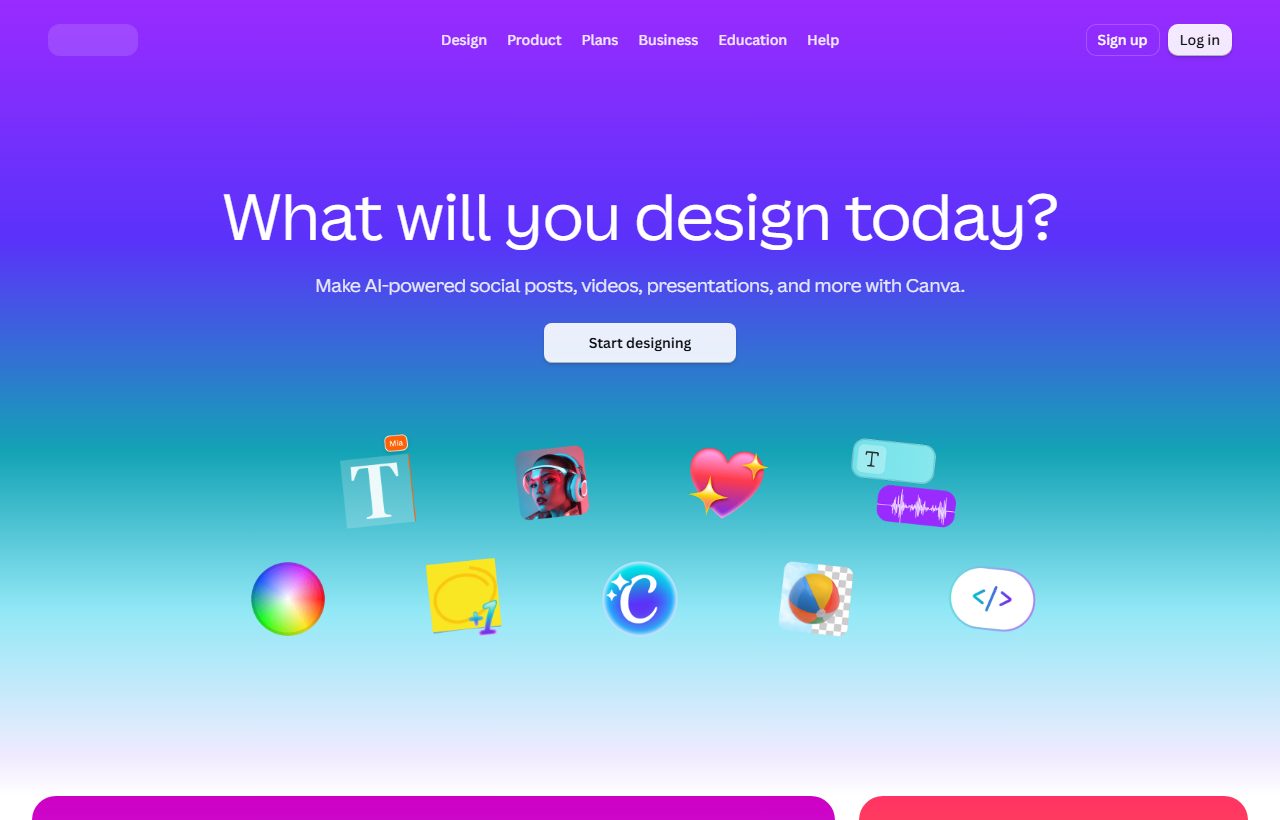
The AI layer now runs through the whole product. Magic Studio generates and edits images, removes and replaces backgrounds, rewrites copy to fit a layout, and builds first drafts of decks, posts and documents from a prompt. Because the result lands on a normal Canva canvas, you can move, recolour and replace anything afterwards.
The library behind it is the reason the output is usable: templates, stock media, fonts and brand kits, so generated work comes out looking like the rest of what a team produces.
🎥 Canva AI demo video
📷 Screenshots
✨ Key Features
Magic Studio
Canva's AI tools for generating and editing images, text and layouts.
Design from a prompt
First drafts of decks, posts and documents you can then edit.
Background removal
Cut out and replace backgrounds in a click.
Magic Write
Draft and rewrite copy to fit the space it sits in.
Brand kits
Keep colours, fonts and logos consistent across a team.
Template library
A large set of starting points for almost any format.
🎯 Target Audience
Small businesses
Marketing material without hiring a designer.
Social media managers
On-brand posts produced quickly and repeatedly.
Teachers and students
Worksheets, decks and posters from a prompt.
Marketing teams
Brand kits and shared templates across many people.
Non-designers
Editable output rather than a finished file you cannot change.
⚖️ Pros & Cons
Pros
Cons
👤 Founder / CEO
Melanie Perkins
Co-founder & CEO
Melanie Perkins started her first design business, Fusion Books, at 19 from her mother's living room in Perth, and grew it into Australia's largest yearbook company. She co-founded Canva in 2013 with Cliff Obrecht and Cameron Adams after being turned down by more than 100 investors. Canva now serves over 240 million monthly users across 190 countries.
Pricing Prices from the maker · check www.canva.com for current plans
Free
$0 /mo
- Design anything and bring your ideas to life. No cost, just creativity.
- Easy drag-and-drop editor and 1,000+ design types
- 1.6M+ templates to start fast
- 4.7M+ photos, videos, graphics, and audio
Enterprise
Custom
- Design and publishing
- Stock photos, graphics, fonts, videos, and audio
- 4.7+ million
- 141+ million
❓ Frequently Asked Questions
What is Canva AI?
Canva is a free-to-use online graphic design tool. Use it to create social media posts, presentations, posters, videos, logos and more.
What are the key features of Canva AI?
Canva AI offers 6 main features. Magic Studio: Canva's AI tools for generating and editing images, text and layouts. Design from a prompt: First drafts of decks, posts and documents you can then edit. Background removal: Cut out and replace backgrounds in a click. Magic Write: Draft and rewrite copy to fit the space it sits in. Brand kits: Keep colours, fonts and logos consistent across a team. Template library: A large set of starting points for almost any format.
How much does Canva AI cost?
Canva AI uses a Free Trial pricing model. Available plans include Free at $0/mo, Enterprise at Custom.
What are the pros and cons of Canva AI?
Key advantages include: AI output lands on an editable canvas instead of a locked image; The template and asset library makes generated work look finished; Approachable for people with no design background. Potential drawbacks: Less control than a professional design tool for detailed work; Heavy AI use and premium assets sit behind a paid plan.
What type of tool is Canva AI?
Canva AI is listed under Design on Ai Product Index.
Does Canva AI offer a free plan?
Yes, Canva AI offers a free plan. Design anything and bring your ideas to life. No cost, just creativity.. Easy drag-and-drop editor and 1,000+ design types. 1.6M+ templates to start fast. 4.7M+ photos, videos, graphics, and audio
Where can I try Canva AI?
You can visit the official Canva AI website at www.canva.com to sign up, explore features, or start a free trial.
SIDE BY SIDE
Canva AI vs AdCreative.ai vs Recraft AI
See at a glance which tool leads on each point. ★ = best in row
| CRITERIA | C Canva AI THIS TOOL | A  AdCreative.ai UNCLAIMED AdCreative.ai UNCLAIMED | R  Recraft AI UNCLAIMED Recraft AI UNCLAIMED |
|---|---|---|---|
| Best for | Canva: Visual Suite for Everyone | AI Ad Creative Generator for High-Converting Ads | Recraft is a top-ranked text-to-image model and design platform for photorealism, vector genera |
| Starting price | Free Trial | Freemium | $12 / month |
| Free plan | Yes | Yes | Yes |
| Verified listing | Yes ★ Only one | No | No |
| Pricing model | Free Trial | Freemium | Freemium |
| Founded | 2013 ★ Longest running | 2021 | Not stated |
| Links | Visit Canva AI ↗ | View listing | View listing |
REVIEWS
What people say about Canva AI
No reviews yet
If you have used Canva AI, yours would be the first. Create a free account to leave a review, or sign in if you already have one.
MORE LIKE THIS
Related Design Tools
Recraft is a top-ranked text-to-image model and design platform for photorealism, vector genera