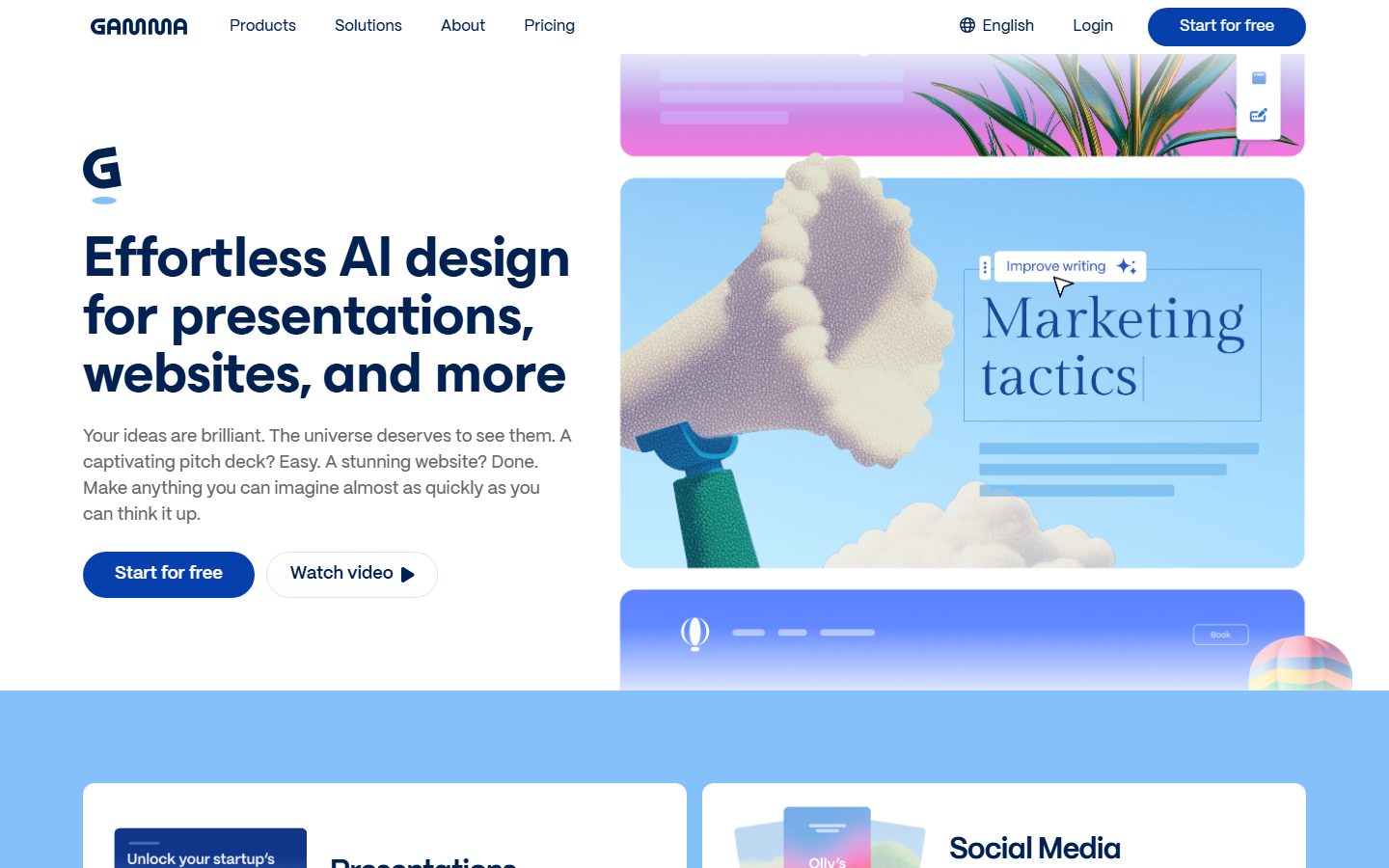
Design stunning presentations, websites, and more with Gamma, your all-in-one AI-powered design partner. No code or design experience needed.
Free plan available Founded 2020 United States
From Free

AI tools that build presentations and decks from a prompt or a document.
Compare AI presentation tools that build decks from a prompt, an outline or an existing document. Check export to PowerPoint and Google Slides, how editable the result is, and whether brand control is available.
 P
P  C
C  B
B  P
P  P
P  10 AI tools
 Every listing reviewed by our team
Featured placements always labeled
Verified profiles claimed by makers
Submit your tool★ FEATURED IN PRESENTATIONS
Design stunning presentations, websites, and more with Gamma, your all-in-one AI-powered design partner. No code or design experience needed.
Free plan available Founded 2020 United States
From Free
Free
Best AI Presentation Maker & Website Builder
Pricing hidden
Infographic Tools & AI Design Platform for 34M Users
Pricing hidden
Your all-in-one teaching tool in PowerPoint
Pricing hidden
AI Presentation Software for Teams
Pricing hidden
the presentation platform built for engagement
Pricing hidden
Plus AI presentation maker

Pricing hidden
AI Presentation Maker for Professional Slides & AI PPT
Pricing hidden
Skywork︱The Originator of AI Workspace Agents

Pricing hidden
Achieve high scores with Oreate AI, your ultimate academic writing tool
Pricing hidden
AI Presentation Maker
No tools match these filters.
Showing of tools
AI presentation tools turn an idea, an outline or a document into a designed deck. The good ones produce something that already looks finished, which is where most of the time goes when building slides by hand.
What you need to check is what happens next. A deck you cannot edit properly, or cannot export into the format your client expects, creates more work than it saved.
Most teams get the best results by picking a tool built for the kind of design they do most often:
| Tool | Best for | Pricing |
|---|---|---|
| Gamma | Best AI Presentation Maker & Website Builder | Free |
| Piktochart | Infographic Tools & AI Design Platform for 34M Users | See listing |
| ClassPoint AI | Your all-in-one teaching tool in PowerPoint | See listing |
| Beautiful.ai | AI Presentation Software for Teams | See listing |
| Prezi | the presentation platform built for engagement | See listing |
| Plus AI | Plus AI presentation maker | See listing |
| Chronicle | AI Presentation Maker for Professional Slides & AI PPT | See listing |
| Skywork AI | Skywork︱The Originator of AI Workspace Agents | See listing |
Free plans in Presentations are usually enough to test a tool and handle occasional work. Paid plans typically lift usage limits, unlock the more advanced models or exports, and add the team features you need once more than one person is involved. Prices on this page come from each tool's own pricing page, so confirm on their site before you buy.
Start with the kind of work you do most, shortlist two or three tools built for it, and try their free plans on a real project. Compare how editable the results are, how well they fit your existing workflow, and what the exports look like before you pay for a year.
Most tools support it, but fidelity varies. Export a test deck and check fonts, spacing and any charts before you rely on it.
The design usually is. The content needs your judgement, particularly cutting the slides the tool added to pad the structure.
Most support a brand kit with fonts, colours and logos. Complex guidelines still need manual work on the template.
10 AI Presentations tools are listed, including Gamma, Piktochart, ClassPoint AI, Beautiful.ai, Prezi, Plus AI. Verified listings show full features, pricing, and pros and cons.