
ReRoom AI
UNCLAIMEDPhotorealistic renders of your exact design
Overview
ReRoom is an AI rendering tool for architects and interior designers. Users upload a screenshot of a 3D model, and ReRoom returns a photorealistic render that keeps the design's shape, layout and materials. , and the company says it serves more than 2,000 monthly subscribers in over 150 countries.
About ReRoom AI
ReRoom is an AI rendering tool for architects and interior designers. Users upload a screenshot of a 3D model, and ReRoom returns a photorealistic render that keeps the design's shape, layout and materials. It is operated by Stylefie, Inc., and the company says it serves more than 2,000 monthly subscribers in over 150 countries.
It offers separate workflows for interior and exterior rendering, sketch-to-image, style references, multi-angle rendering, render enhancement, image upscaling and an image editor. Designers can also add generated people to scenes, collect references and materials in moodboards, and present plans and elevations in watercolor, marker or realistic-material styles. A public API is available for developers.
The free tier gives a few watermarked, non-commercial renders each day. The Pro subscription adds unlimited renders, commercial rights, 4x upscaling and video generation credits. ReRoom says it does not train AI models on user uploads, and renders are private by default.
Demo video Locked
Hidden until this listing is claimed The owner adds this when they verify ReRoom AI.
Claim to unlock →ReRoom AI homepage
✨ Key Features
Screenshot to render
Turns model screenshots into photorealistic renders without changing the design.
Sketch to image
Converts hand sketches into rendered visuals.
Multi-angle rendering
Generates consistent views of a design from different angles.
People in renders
Places configurable, photorealistic people inside a drawn frame in a scene.
Moodboards
Collects materials, colors and references so they can be reused in later renders.
Drawing coloring
Presents plans and elevations in watercolor, marker or real-material styles.
🎯 Target Audience
Interior designers
Produce realistic renders of room designs for client presentations.
Architects
Render exterior and interior views straight from model screenshots.
Real estate marketers
Create listing visuals with realistic light and texture.
Design students
Render coursework on the dedicated student plan.
Developers
Integrate rendering into their own apps through the API.
⚖️ Pros & Cons
Pros
Cons
Founder / CEO Locked
Hidden until this listing is claimed The owner adds this when they verify ReRoom AI.
Claim to unlock →Pricing Prices from the maker · check the maker's own site for current plans
Free Trial
$0 /mo
- 3 renders per day
- Watermarked, standard-quality output
- Non-commercial use only
- Private by default
Pro Monthly
$39 /mo
- Unlimited renders
- Full commercial usage rights
- 4x upscaling and watermark-free renders
- Video generation credits
Pro Annual
$33 /mo
- Billed annually at $390 for the first year
- Same features as Pro Monthly
- Unlimited, watermark-free renders
❓ Frequently Asked Questions
Is ReRoom AI free?
There is a free tier with three watermarked, non-commercial renders per day. The Pro plan costs $39 per month, or $390 for the first year on annual billing.
Will ReRoom change my design?
No. ReRoom says your model's shape, proportions, layout and materials stay the same, and that editing tools are for changes you choose to make.
Does ReRoom train AI on my designs?
The company says it does not use uploads, prompts, references or generated images to train its AI models.
Who owns the generated images?
According to the FAQ, you own the outputs you generate and can use them commercially. Free-tier renders are limited to non-commercial use.
Does ReRoom have an API?
Yes. ReRoom publishes an API reference with a downloadable specification.
Who makes ReRoom?
ReRoom is operated by Stylefie, Inc.
What is ReRoom AI?
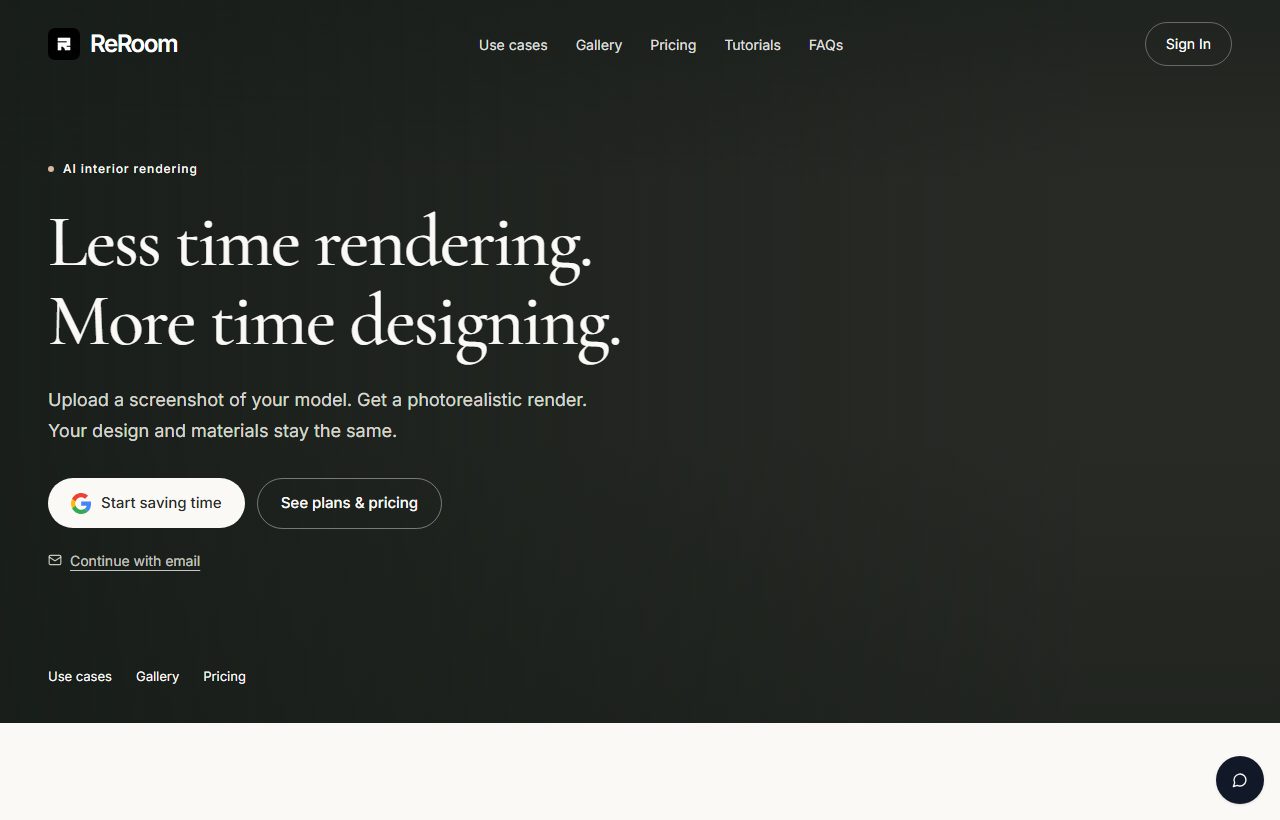
Upload a screenshot of your model. Get a photorealistic render. Your design and materials stay the same.
What are the key features of ReRoom AI?
ReRoom AI offers 6 main features. Screenshot to render: Turns model screenshots into photorealistic renders without changing the design. Sketch to image: Converts hand sketches into rendered visuals. Multi-angle rendering: Generates consistent views of a design from different angles. People in renders: Places configurable, photorealistic people inside a drawn frame in a scene. Moodboards: Collects materials, colors and references so they can be reused in later renders. Drawing coloring: Presents plans and elevations in watercolor, marker or real-material styles.
How much does ReRoom AI cost?
ReRoom AI uses a Freemium pricing model. Available plans include Free Trial at $0/mo, Pro Monthly at $39/mo, Pro Annual at $33/mo.
What are the pros and cons of ReRoom AI?
Key advantages include: Keeps the original geometry and materials of the design; Free tier with daily renders; Says it does not train on user uploads, and renders are private by default; Public API available. Potential drawbacks: Free renders are watermarked and limited to non-commercial use; Free tier is capped at three renders per day; Team and Student plan prices are not shown on the static pricing page.
What type of tool is ReRoom AI?
ReRoom AI is listed under Interior Design on Ai Product Index.
Does ReRoom AI offer a free plan?
Yes, ReRoom AI offers a free plan. 3 renders per day. Watermarked, standard-quality output. Non-commercial use only. Private by default
SIDE BY SIDE
ReRoom AI vs RoomGPT vs PromeAI
See at a glance which tool leads on each point. ★ = best in row
| CRITERIA | R ReRoom AI THIS TOOL | R  RoomGPT VERIFIED | P  PromeAI UNCLAIMED |
|---|---|---|---|
| Best for | Photorealistic renders of your exact design | Redesign your room with AI | AI Image & Video Generator: Remix Design Ideas |
| Starting price | $33 / month | Freemium | Freemium |
| Free plan | Yes | No | Yes |
| Verified listing | No | Yes ★ Only one | No |
| Pricing model | Freemium | Freemium | Freemium |
| Founded | Not stated | 2023 ★ Longest running | 2023 ★ Longest running |
| Links | View listing | View listing | View listing |
REVIEWS
What people say about ReRoom AI
No reviews yet
If you have used ReRoom AI, yours would be the first. Create a free account to leave a review, or sign in if you already have one.
MORE LIKE THIS