AI tools for writing, sorting and replying to email.
Compare AI email tools for writing, sorting and replying. Look at whether they work inside your existing mail client, how well drafts match your voice, and what access to your mailbox they require.
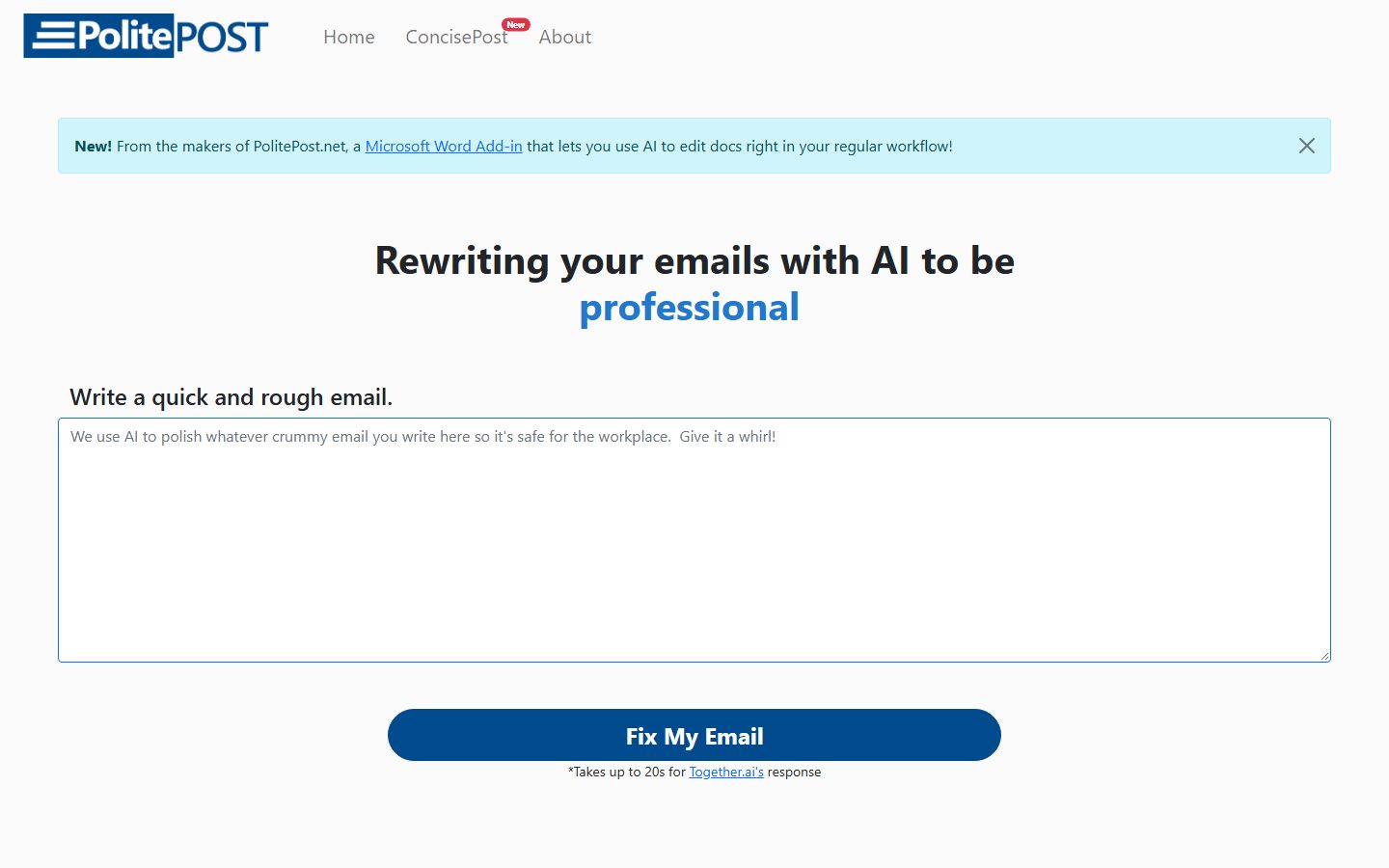
Make sure your emails are professional and suitable for the workplace. Write your draft with all your slang and expletives, and our AI bot will rewrite and clean up the text. Professional emails in seconds.
AI email tools draft replies, tidy tone, summarise long threads and triage an inbox. Some are full mail clients; others are add-ins for the client you already use.
What are AI Email tools?
Because email is where most sensitive correspondence lives, the permissions an email tool asks for deserve more scrutiny than almost anything else you install.
What matters most when comparing tools
Client integration. Working inside Gmail or Outlook beats a separate app you have to adopt.
Voice matching. Drafts that sound like you, learned from your sent mail.
Mailbox access. What it can read, what leaves your device, and what is retained.
Thread summarising. Long threads are where the real time goes.
Match the tool to the job
Most teams get the best results by picking a tool built for the kind of design they do most often:
Free plans in Email are usually enough to test a tool and handle occasional work. Paid plans typically lift usage limits, unlock the more advanced models or exports, and add the team features you need once more than one person is involved. Prices on this page come from each tool's own pricing page, so confirm on their site before you buy.
Tips for better results
Read every draft before sending. Confident AI email is exactly how mistakes get sent to clients.
Check what mailbox access the tool requests and whether content leaves your device.
Use it most for the emails you write repeatedly; that is where it saves real time.
Keep difficult or sensitive messages human. Tone matters more than speed there.
The bottom line
Start with the kind of work you do most, shortlist two or three tools built for it, and try their
free plans on a real project. Compare how editable the results are, how well they fit your existing
workflow, and what the exports look like before you pay for a year.
Ready to pick a tool? Browse all 8 AI Email tools with pricing and verified details.
Browse tools
Many tools request broad access to draft in context. Read the permission scope and the retention policy before granting it.
Will AI email sound like me? +
Tools that learn from your sent mail get reasonably close. Expect to edit, particularly on anything with nuance.
Is it safe to use with work email? +
Check your employer's policy first. Many organisations restrict which tools may access corporate mail, and for good reason.
Which AI Email tools are listed on Ai Product Index? +
8 AI Email tools are listed, including PolitePost, Shortwave, Superhuman, MailMaestro, Missive, Spark Mail. Verified listings show full features, pricing, and pros and cons.