Ssemble
UNCLAIMEDAI Clip Maker: YouTube to Shorts, Reels & TikTok
Overview
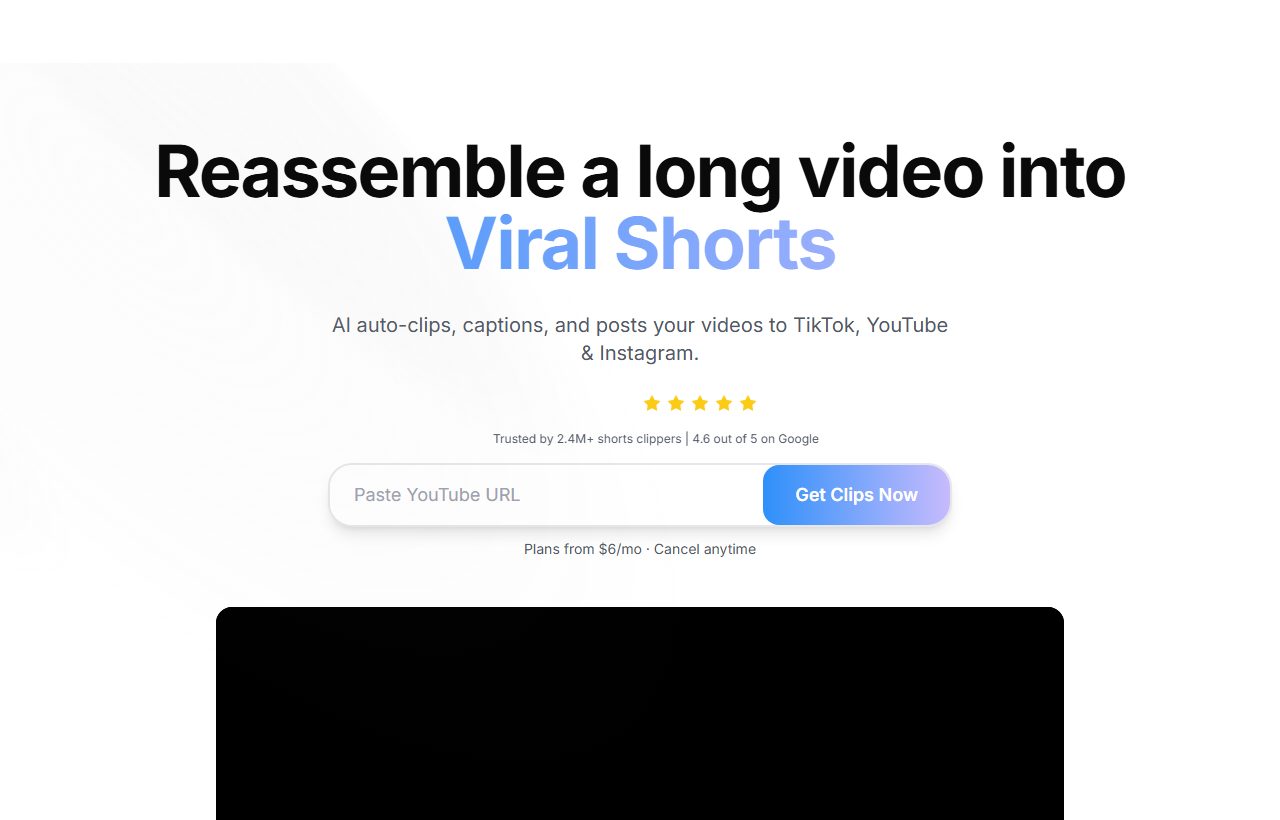
Ssemble is a web-based AI clipping platform that cuts long videos into short vertical clips for TikTok, YouTube Shorts and Instagram Reels. Users paste a link from YouTube, Vimeo, Twitch or Kick, or upload an MP4, MOV or WEBM file. The AI then picks highlight moments.
About Ssemble
Ssemble is a web-based AI clipping platform that cuts long videos into short vertical clips for TikTok, YouTube Shorts and Instagram Reels. Users paste a link from YouTube, Vimeo, Twitch or Kick, or upload an MP4, MOV or WEBM file. The AI then picks highlight moments, reframes them with face tracking, adds captions and writes hook titles. The company says no editing experience is needed.
Beyond clipping, Ssemble can translate captions into more than 30 languages, swap in dubbed audio tracks where YouTube provides them, and place gameplay footage under a clip to hold attention. A sports mode follows the ball instead of faces. A built-in scheduler posts clips to connected TikTok, YouTube and Instagram accounts. Channel automation can watch a YouTube channel and clip and post new uploads on its own.
Paid plans are billed in credits, with one credit covering a source video of up to 20 minutes. Every paid tier includes API access, and the company also offers an MCP server and a clip rewards program that pays per verified view.
Demo video Locked
Hidden until this listing is claimed The owner adds this when they verify Ssemble.
Claim to unlock →Ssemble homepage
✨ Key Features
AI auto curation
Finds highlight moments in a long video and turns them into short clips.
Face tracking
Keeps speakers centered when reframing to vertical formats.
Captions and translation
Adds automatic captions and translates them into 30+ languages.
Hook titles and CTAs
Generates on-screen hooks and calls to action for each clip.
Schedule and autopost
Schedules clips to TikTok, YouTube and Instagram from a calendar.
Channel automation
Monitors a YouTube channel and clips and posts new uploads automatically.
🎯 Target Audience
Clippers
Produce high volumes of shorts from other creators' long-form content.
Podcasters
Turn interviews and episodes into vertical highlight clips.
Gaming streamers
Clip Twitch and Kick VODs into short-form posts.
Sports content creators
Use sports mode to follow the action in game footage.
Developers and agencies
Automate clipping, captioning and posting through the API.
⚖️ Pros & Cons
Pros
Cons
Founder / CEO Locked
Hidden until this listing is claimed The owner adds this when they verify Ssemble.
Claim to unlock →Pricing Prices from the maker · check the maker's own site for current plans
Pro
$15 /mo
- $6/mo when billed yearly ($72/year)
- 360 video credits per year on yearly billing
- 1 social account connection
- AI clipping, API access, schedule and post
Expert
$30 /mo
- $12/mo when billed yearly ($144/year)
- 840 video credits per year on yearly billing (incl. 120 bonus)
- 3 social account connections
- Everything in Pro
Business
$60 /mo
- $24/mo when billed yearly ($288/year)
- 1,800 video credits per year on yearly billing (incl. 360 bonus)
- Unlimited social account connections
- Everything in Pro
Custom
$100 /mo
- $40/mo when billed yearly ($480/year)
- 2,600 video credits per year on yearly billing (incl. 600 bonus)
- Unlimited social account connections
- Everything in Pro
❓ Frequently Asked Questions
Is Ssemble free?
Ssemble's FAQ mentions a free plan for trying the platform, but its paid plans start at $15/mo billed monthly or $6/mo billed yearly.
How do Ssemble credits work?
One credit clips one source video segment of up to 20 minutes. Credits reset each billing cycle and do not roll over, but clips you already made stay yours.
Does Ssemble have an API?
Yes. API access is included in all paid plans, and Ssemble also offers an MCP server.
Which platforms can Ssemble post to?
It can schedule and auto-post clips to TikTok, YouTube Shorts and Instagram Reels.
How many languages does Ssemble support?
Over 30 for captions and translation, including English, Spanish, Portuguese, German and French.
Can I cancel anytime?
Yes. You keep access until the end of the billing period, and your data stays available for export.
What is Ssemble?
Turn YouTube videos into viral TikTok & Instagram Shorts with AI. Auto-clip, caption, and post. Trusted by 2.4M+ creators. Plans from $6/mo.
What are the key features of Ssemble?
Ssemble offers 6 main features. AI auto curation: Finds highlight moments in a long video and turns them into short clips. Face tracking: Keeps speakers centered when reframing to vertical formats. Captions and translation: Adds automatic captions and translates them into 30+ languages. Hook titles and CTAs: Generates on-screen hooks and calls to action for each clip. Schedule and autopost: Schedules clips to TikTok, YouTube and Instagram from a calendar. Channel automation: Monitors a YouTube channel and clips and posts new uploads automatically.
How much does Ssemble cost?
Ssemble uses a Freemium pricing model. Available plans include Pro at $15/mo, Expert at $30/mo, Business at $60/mo, Custom at $100/mo.
What are the pros and cons of Ssemble?
Key advantages include: Low entry price on yearly billing ($6/mo); API access included on every paid plan; Built-in scheduling and auto-posting to three major platforms; Specialized modes for gaming and sports footage. Potential drawbacks: Credits reset each billing cycle and do not roll over; Each credit covers at most a 20-minute segment of source video; Monthly billing costs about 2.5 times the yearly rate.
What type of tool is Ssemble?
Ssemble is listed under Video Clips on Ai Product Index.
SIDE BY SIDE
Ssemble vs Opus Clip vs WOXO
See at a glance which tool leads on each point. ★ = best in row
| CRITERIA | S | O  Opus Clip VERIFIED | W |
|---|---|---|---|
| Best for | AI Clip Maker: YouTube to Shorts, Reels & TikTok | OpusClip: #1 AI video clipping and editing tool | Save time creating video content |
| Starting price | $15 / month | $15 / month | $10 / month ★ Lowest |
| Free plan | Yes | Yes | Yes |
| Verified listing | No | Yes ★ Only one | No |
| Pricing model | Freemium | Freemium | Freemium |
| Founded | Not stated | 2022 | 2020 ★ Longest running |
| Links | View listing | View listing | View listing |
REVIEWS
What people say about Ssemble
No reviews yet
If you have used Ssemble, yours would be the first. Create a free account to leave a review, or sign in if you already have one.
MORE LIKE THIS