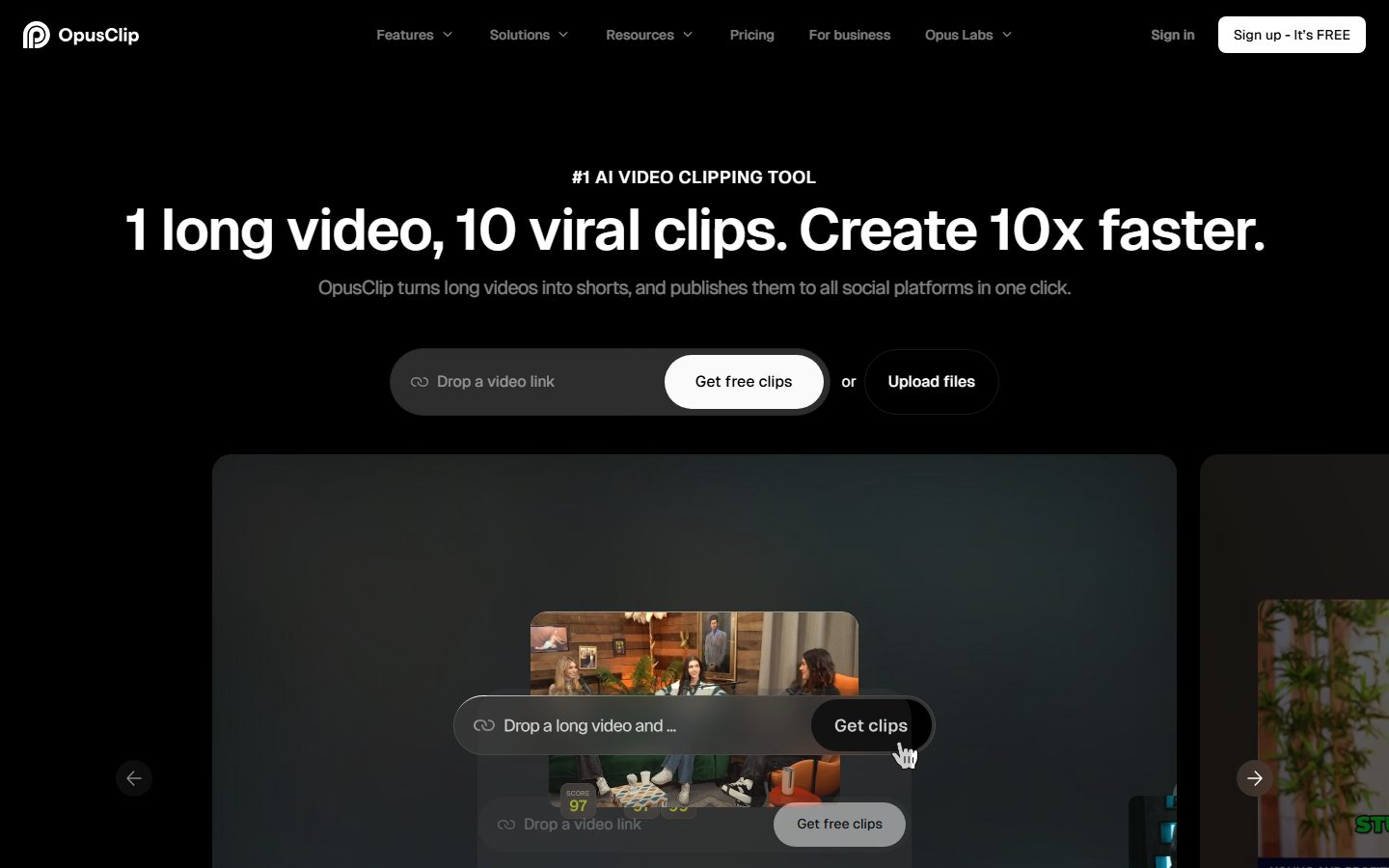
OpusClip turns long videos into high-quality viral clips, and publishes them to all social platforms in one click. We help 10M+ creators create and grow faster.
Free plan available Founded 2022 United States
From $15 / month

Turn long videos into short clips for social, with captions and framing.
Compare AI clipping tools that turn long videos into short vertical clips with captions. Look at which source formats they handle, how well they reframe the subject, and whether they publish straight to the platforms.
 S
S  V
V  M
M  S
S  R
R  10 AI tools
 Every listing reviewed by our team
Featured placements always labeled
Verified profiles claimed by makers
Submit your tool★ FEATURED IN VIDEO CLIPS
OpusClip turns long videos into high-quality viral clips, and publishes them to all social platforms in one click. We help 10M+ creators create and grow faster.
Free plan available Founded 2022 United States
From $15 / month
Freemium from $15 / month
OpusClip: #1 AI video clipping and editing tool
Pricing hidden
Edit shorts 10x faster with AI
Pricing hidden
Turn your long video into viral clips with AI magic
Pricing hidden
Munch Studio - Social Media For Businesses
Pricing hidden
Ai clip generator for YouTube Twitch TikTok & Reels
Pricing hidden
Create, Edit & Publish AI Videos

Pricing hidden
New Release Video Model

Pricing hidden
Create Viral Faceless Youtube Videos in Seconds
Pricing hidden
AI Powered Shorts
Pricing hidden
AI Clip Maker: YouTube to Shorts, Reels & TikTok
No tools match these filters.
Showing of tools
Clipping tools take one long video and produce short clips from it: captioned, reframed for vertical, and ready to post. They exist because the work of doing this by hand is enormous and repetitive.
The two things that separate them are what footage they can handle and how well they reframe. Many only work on talking-head podcasts; the better ones handle vlogs, gaming and sports too.
Most teams get the best results by picking a tool built for the kind of design they do most often:
| Tool | Best for | Pricing |
|---|---|---|
| Opus Clip | OpusClip: #1 AI video clipping and editing tool | Freemium · from $15 / month |
| Submagic | Edit shorts 10x faster with AI | See listing |
| Vizard AI | Turn your long video into viral clips with AI magic | See listing |
| Munch | Munch Studio - Social Media For Businesses | See listing |
| Spikes Studio | Ai clip generator for YouTube Twitch TikTok & Reels | See listing |
| Revid AI | Create, Edit & Publish AI Videos | See listing |
| ClipZap | New Release Video Model | See listing |
| Clippie AI | Create Viral Faceless Youtube Videos in Seconds | See listing |
Free plans in Video Clips are usually enough to test a tool and handle occasional work. Paid plans typically lift usage limits, unlock the more advanced models or exports, and add the team features you need once more than one person is involved. Prices on this page come from each tool's own pricing page, so confirm on their site before you buy.
Start with the kind of work you do most, shortlist two or three tools built for it, and try their free plans on a real project. Compare how editable the results are, how well they fit your existing workflow, and what the exports look like before you pay for a year.
It looks for self-contained moments, often scoring them for likely engagement. Treat the ranking as a shortlist to review, not a decision.
Formats are similar but audiences are not. The same clip often needs a different hook or caption style on each platform.
Some tools only work well on talking-head video. If you post vlogs, gameplay or sport, check that explicitly before subscribing.
10 AI Video Clips tools are listed, including Opus Clip, Submagic, Vizard AI, Munch, Spikes Studio, Revid AI. Verified listings show full features, pricing, and pros and cons.