
Trae
UNCLAIMEDCollaborate with Intelligence
Overview
TRAE is an AI development environment from ByteDance. It is available as a desktop app and as a web version, and it aims to keep AI involved from first idea to delivery. Its editor is built on the VS Code foundation, so the layout and extension model will feel familiar.
About Trae
TRAE is an AI development environment from ByteDance. It is available as a desktop app and as a web version, and it aims to keep AI involved from first idea to delivery. Its editor is built on the VS Code foundation, so the layout and extension model will feel familiar to many developers.
The main agent experience is SOLO mode, which became available to all users in version 3.0. It includes a SOLO Coder agent for complex programming work, with an optional plan step, and a SOLO Builder agent for generating apps end to end. SOLO Coder can hand tasks to custom agents, which users set up with their own rules, tools and models. TRAE supports the Model Context Protocol for connecting external tools and lets users add custom models.
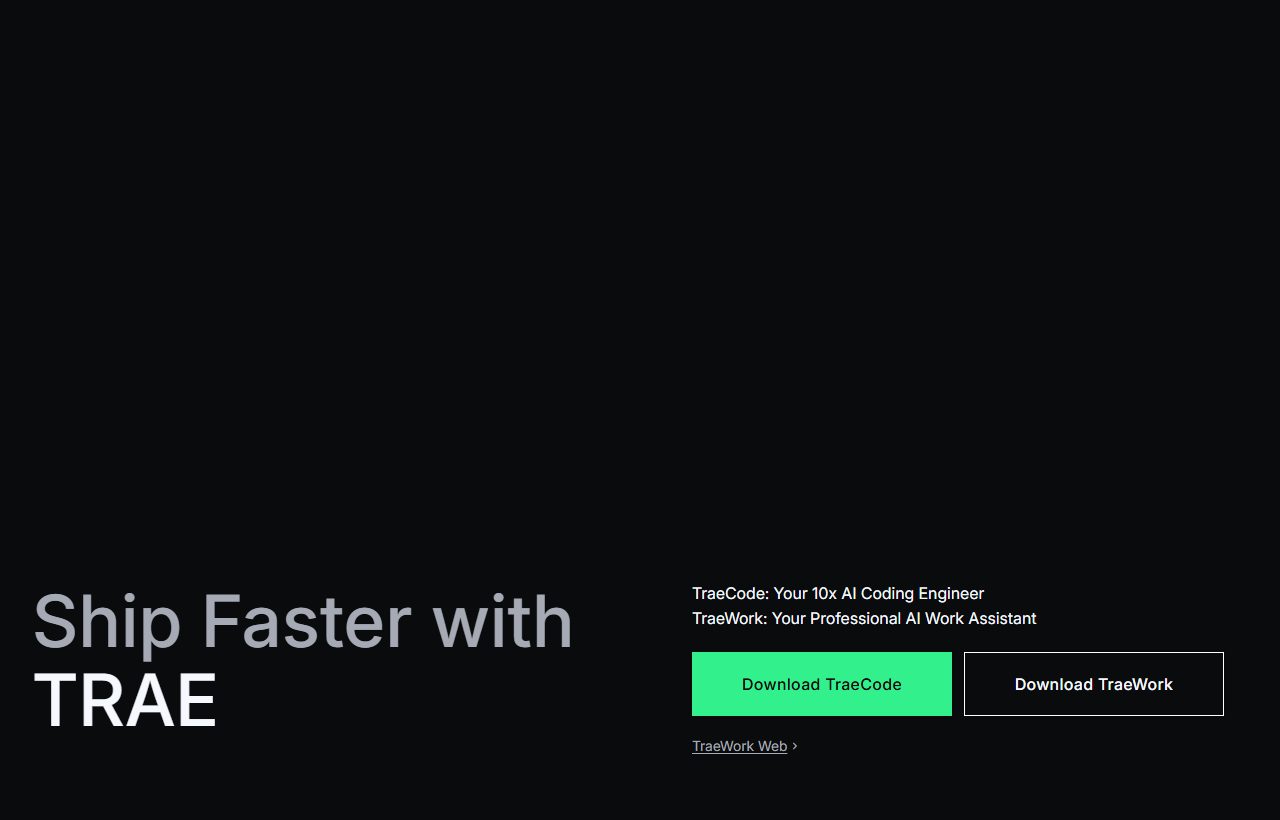
According to its documentation, TRAE has recently combined its coding product, TraeCode, and its work assistant, TraeWork, into a single product. The free plan includes Auto model selection, limited autocomplete and a small number of cloud tasks. Paid plans include monthly usage credit, access to all models and more concurrent cloud tasks.
Demo video Locked
Hidden until this listing is claimed The owner adds this when they verify Trae.
Claim to unlock →Trae homepage
✨ Key Features
SOLO mode
An agent workspace that handles tasks from planning through building.
SOLO Coder agent
Built-in agent for complex programming projects with an optional plan mode.
Custom agents
Set up agents with your own rules, tools and models.
MCP support
Connect external tools and data through the Model Context Protocol.
Autocomplete
Inline code completion, unlimited on paid plans.
Cloud tasks
Run several agent tasks in the cloud at the same time.
🎯 Target Audience
Software developers
Write and refactor code with an AI agent inside the editor.
Indie hackers
Generate full apps from a description with SOLO Builder.
VS Code users
Switch to an AI-first editor with a familiar layout.
Students and learners
Try AI-assisted coding on the free plan.
Power users
Run many cloud tasks at once with early model access on Ultra.
⚖️ Pros & Cons
Pros
Cons
Founder / CEO Locked
Hidden until this listing is claimed The owner adds this when they verify Trae.
Claim to unlock →Pricing Prices from the maker · check the maker's own site for current plans
Free
$0 /mo
- Auto mode only
- 5,000 autocompletions per month
- 2 concurrent cloud tasks
- Standard queue
Pro
$20 /mo
- $20 of usage per month
- All models
- Unlimited autocomplete
- Up to 10 concurrent cloud tasks
Pro+
$60 /mo
- $60 of usage per month
- Everything in Pro
- Up to 15 concurrent cloud tasks
Ultra
$200 /mo
- $200 of usage per month
- Up to 20 concurrent cloud tasks
- Early access to models
- Yearly billing saves 17%
❓ Frequently Asked Questions
Is TRAE free?
Yes. The Free plan includes Auto mode, 5,000 autocompletions per month and two concurrent cloud tasks. Paid plans start at $20 per month.
Who makes TRAE?
TRAE is developed by ByteDance.
What is SOLO mode?
SOLO mode is TRAE's agent workspace, with built-in agents such as SOLO Coder for complex programming and SOLO Builder for generating apps end to end.
Does TRAE support MCP?
Yes. TRAE supports the Model Context Protocol for connecting external tools, and custom models can be added in SOLO mode.
Is there a web version of TRAE?
Yes. Besides the desktop download, TRAE offers a browser-based version called TRAE Web.
What is Trae?
TraeCode integrates seamlessly into your workflow, collaborating with you to maximize performance and efficiency.
What are the key features of Trae?
Trae offers 6 main features. SOLO mode: An agent workspace that handles tasks from planning through building. SOLO Coder agent: Built-in agent for complex programming projects with an optional plan mode. Custom agents: Set up agents with your own rules, tools and models. MCP support: Connect external tools and data through the Model Context Protocol. Autocomplete: Inline code completion, unlimited on paid plans. Cloud tasks: Run several agent tasks in the cloud at the same time.
How much does Trae cost?
Trae uses a Freemium pricing model. Available plans include Free at $0/mo, Pro at $20/mo, Pro+ at $60/mo, Ultra at $200/mo.
What are the pros and cons of Trae?
Key advantages include: Free plan available; Paid plans include monthly usage credit and all models; Built-in and custom agents in SOLO mode; Desktop and web versions. Potential drawbacks: Free plan is limited to Auto mode and 5,000 autocompletions per month; Product structure has changed several times, including the recent TraeCode and TraeWork merger; Official site and docs show little detail without JavaScript.
What type of tool is Trae?
Trae is listed under Coding, IDE on Ai Product Index.
Does Trae offer a free plan?
Yes, Trae offers a free plan. Auto mode only. 5,000 autocompletions per month. 2 concurrent cloud tasks. Standard queue
SIDE BY SIDE
Trae vs Cursor vs v0 by Vercel
See at a glance which tool leads on each point. ★ = best in row
| CRITERIA | T Trae THIS TOOL | C  Cursor VERIFIED | V  v0 by Vercel UNCLAIMED |
|---|---|---|---|
| Best for | Collaborate with Intelligence | AI Coding Agent for Building Ambitious Software | Build Full-Stack Web Apps with AI |
| Starting price | $20 / month ★ Lowest | $20 / month ★ Lowest | $30 / month |
| Free plan | Yes | No | Yes |
| Verified listing | No | Yes ★ Only one | No |
| Pricing model | Freemium | Paid | Freemium |
| Founded | 2025 | 2022 ★ Longest running | 2023 |
| Links | View listing | View listing | View listing |
REVIEWS
What people say about Trae
No reviews yet
If you have used Trae, yours would be the first. Create a free account to leave a review, or sign in if you already have one.
MORE LIKE THIS