
Vectr
UNCLAIMEDAI Vector Graphics Editor and Logo Maker
Overview
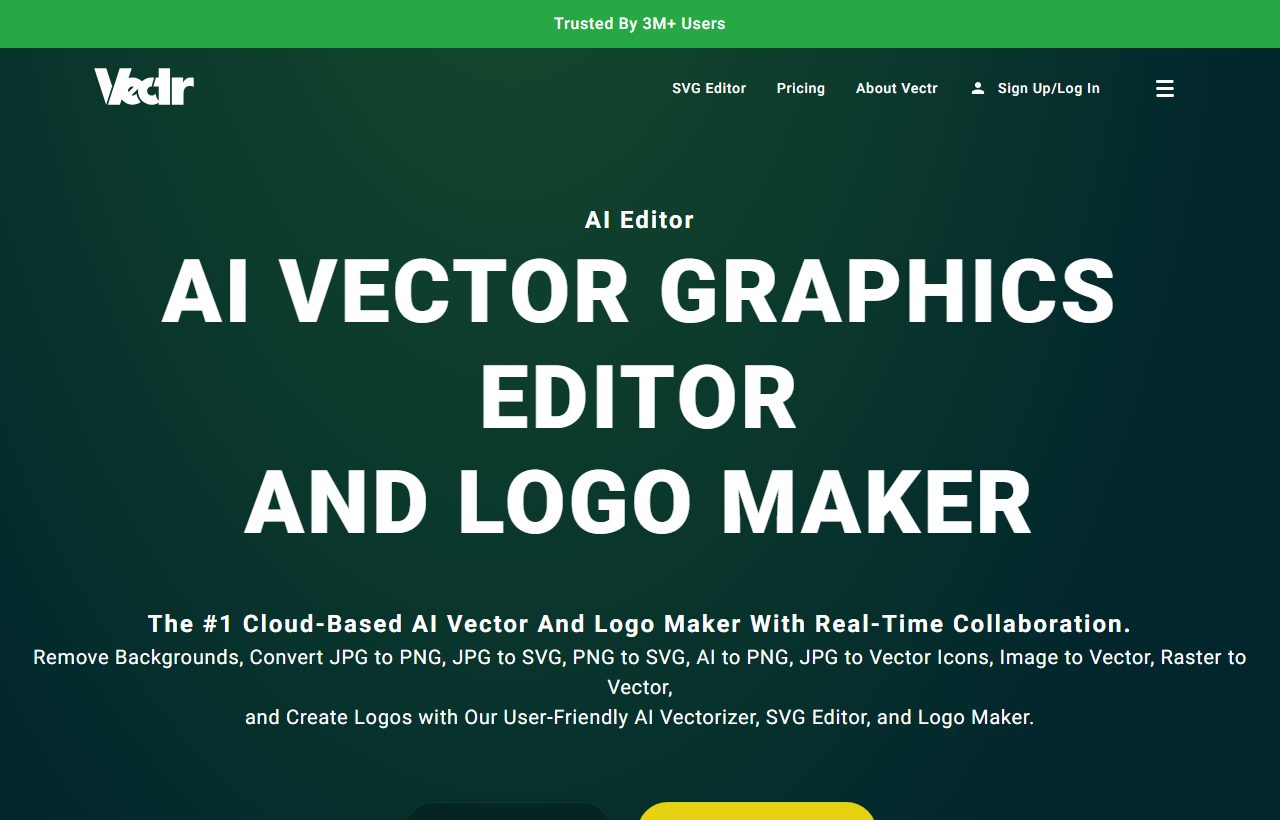
Vectr is a browser-based vector graphics editor aimed at people who find traditional design software hard to learn. It covers shapes, path editing, text and image uploads, and lets users share a link to edit a design together in real time. Projects sync across devices, and the editor runs.
About Vectr
Vectr is a browser-based vector graphics editor aimed at people who find traditional design software hard to learn. It covers shapes, path editing, text and image uploads, and lets users share a link to edit a design together in real time. Projects sync across devices, and the editor runs in more than 25 languages. Vectr dates back to 2014 and is now operated by Pixlr, part of the Inmagine group.
Over time the product has added a broad set of AI tools. These include a vectorizer that turns JPG and PNG images into editable SVG, text-to-vector generation, an AI logo maker, a one-click background remover, image-to-image restyling, inpainting and outpainting, object removal, face swap, upscaling and a video generator. AI features draw on credits, which are also needed to open EPS, AI, PDF and SVGZ files.
Designs can be exported as SVG, PNG or JPG. The free tier carries ads, limited storage and a limited element library, while paid Plus and Premium plans remove ads, add storage, exclusive elements and AI credits, with Premium allowing commercial use. The company says Vectr has more than 3 million users.
Demo video Locked
Hidden until this listing is claimed The owner adds this when they verify Vectr.
Claim to unlock →Vectr homepage
✨ Key Features
Online SVG editor
Edits shapes, paths, text and images directly in the browser.
Real-time collaboration
Lets people co-edit a design by sharing its URL.
AI vectorizer
Converts JPG and PNG images into editable vector graphics.
Text to vector
Generates vector artwork and logos from text prompts.
Background remover
Removes image backgrounds in one click.
AI image editing
Offers inpainting, outpainting, object removal, face swap and upscaling.
🎯 Target Audience
Beginners
Learn vector design without the steep learning curve of desktop tools.
Small businesses
Create logos, icons and simple marketing graphics.
Teachers and students
Use a simple browser editor for classroom design projects.
Web designers
Produce lightweight SVG graphics for fast-loading pages.
Remote teams
Work on the same design together through shared links.
⚖️ Pros & Cons
Pros
Cons
Founder / CEO Locked
Hidden until this listing is claimed The owner adds this when they verify Vectr.
Claim to unlock →Pricing Prices from the maker · check the maker's own site for current plans
Free
$0 /mo
- 30 MB storage
- Limited elements and JPG export
- Includes ads
- Personal use
❓ Frequently Asked Questions
Is Vectr free?
Yes. Vectr has a free tier with ads, 30 MB of storage and limited elements. Paid Plus and Premium plans remove ads and add storage, exclusive elements and AI credits.
What file formats does Vectr support?
Vectr can open SVG, PNG, JPG, EPS, AI, PDF and SVGZ files and exports designs as SVG, PNG or JPG. Opening EPS, AI, PDF and SVGZ files requires credits.
Can I collaborate with others in Vectr?
Yes. You can share a design's URL and edit it together with others in real time.
Who makes Vectr?
Vectr is operated by Pixlr Pte Ltd, which is part of the Inmagine group alongside Pixlr and Designs.ai.
Can Vectr convert images to vectors?
Yes. Its AI vectorizer converts raster images such as JPG and PNG into editable SVG graphics.
What is Vectr?
AI Logo Maker & Vector Editor, Background Remover, AI Image Generator, SVG Converter.
What are the key features of Vectr?
Vectr offers 6 main features. Online SVG editor: Edits shapes, paths, text and images directly in the browser. Real-time collaboration: Lets people co-edit a design by sharing its URL. AI vectorizer: Converts JPG and PNG images into editable vector graphics. Text to vector: Generates vector artwork and logos from text prompts. Background remover: Removes image backgrounds in one click. AI image editing: Offers inpainting, outpainting, object removal, face swap and upscaling.
How much does Vectr cost?
Vectr uses a Freemium pricing model. Available plans include Free at $0/mo.
What are the pros and cons of Vectr?
Key advantages include: Free browser-based editor with no install; Real-time collaboration through shared links; Wide range of built-in AI image and vector tools; Interface available in more than 25 languages. Potential drawbacks: Free tier includes ads, 30 MB storage and limited JPG export; Opening EPS, AI, PDF and SVGZ files requires credits; Fewer advanced vector features than professional desktop software.
What type of tool is Vectr?
Vectr is listed under Design on Ai Product Index.
Does Vectr offer a free plan?
Yes, Vectr offers a free plan. 30 MB storage. Limited elements and JPG export. Includes ads. Personal use
SIDE BY SIDE
Vectr vs Picsart vs Piktochart
See at a glance which tool leads on each point. ★ = best in row
| CRITERIA | V | P  Picsart UNCLAIMED | P  Piktochart UNCLAIMED |
|---|---|---|---|
| Best for | AI Vector Graphics Editor and Logo Maker | The AI Creative Platform | Infographic Tools & AI Design Platform for 34M Users |
| Starting price | Freemium | $9.45 / month ★ Lowest | $15 / month |
| Free plan | Yes | Yes | Yes |
| Verified listing | No | No | No |
| Pricing model | Freemium | Freemium | Freemium |
| Founded | 2014 | 2011 ★ Longest running | 2011 ★ Longest running |
| Links | View listing | View listing | View listing |
REVIEWS
What people say about Vectr
No reviews yet
If you have used Vectr, yours would be the first. Create a free account to leave a review, or sign in if you already have one.
MORE LIKE THIS
Related Design Tools



Recraft is a top-ranked text-to-image model and design platform for photorealism, vector genera