AutoCut
UNCLAIMEDAutoCut AI Plugin, Edit Faster in Premiere Pro & DaVinci
Overview
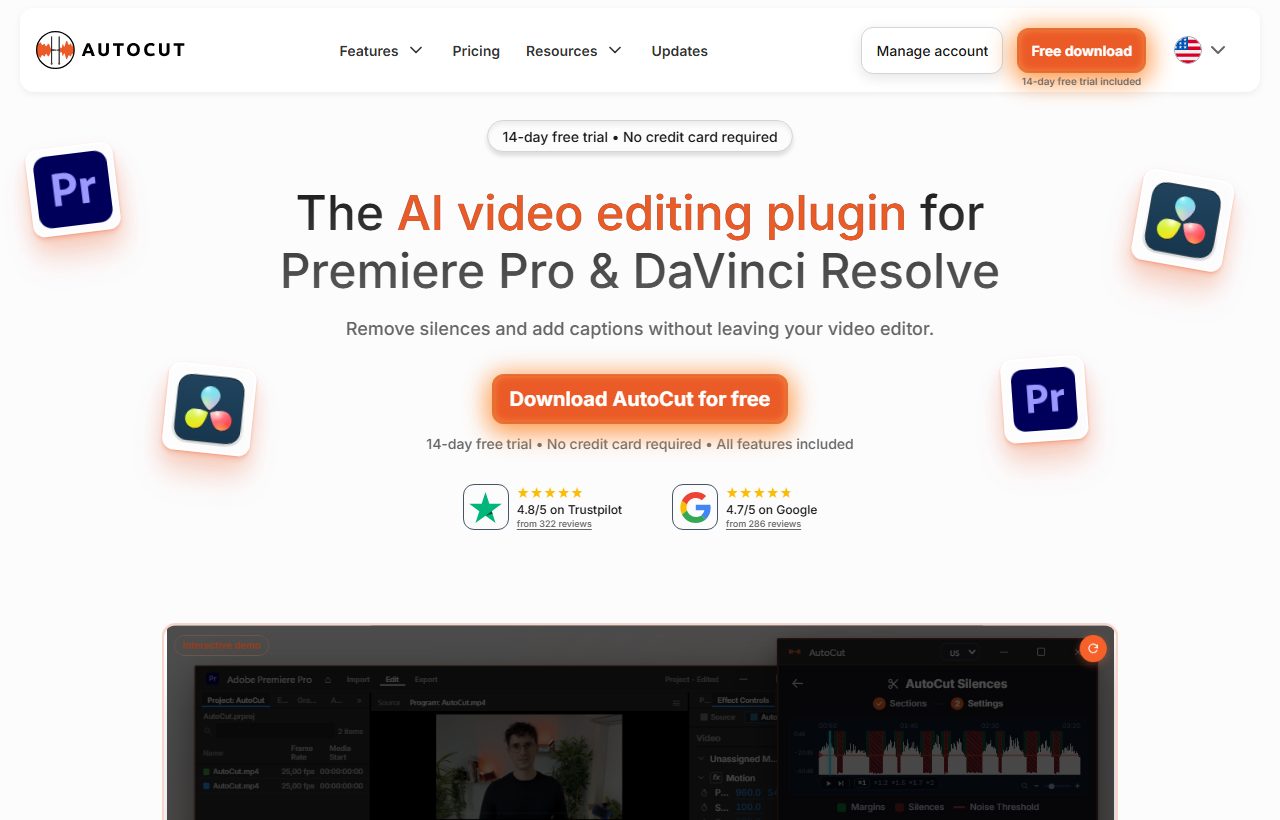
AutoCut is an AI plugin for Adobe Premiere Pro and DaVinci Resolve, built by a small French team and listed as an Adobe video partner. Instead of replacing the editor, it runs inside the user's existing timeline and automates repetitive steps, with results that remain editable like any other cut.
About AutoCut
AutoCut is an AI plugin for Adobe Premiere Pro and DaVinci Resolve, built by a small French team and listed as an Adobe video partner. Instead of replacing the editor, it runs inside the user's existing timeline and automates repetitive steps, with results that remain editable like any other cut.
Its core tool removes silences and dead air from recordings. The full AI plan adds animated captions with styling and translation, multicam podcast editing with speaker detection, automatic camera-angle switching, automatic zooms, detection of repeated takes, profanity bleeping or removal, YouTube chapter generation and reframing for social formats. AutoViral finds short clips in long videos, and AutoB-Rolls inserts AI images or stock footage from Storyblocks.
AutoCut supports Premiere Pro 2023 through 2026 and DaVinci Resolve 18.6 or later, including the free version of Resolve. It offers a 14-day free trial of all features with no card required, then a silence-only Basic plan, an AI plan with every tool and an Enterprise plan with team licensing and centralized billing.
Demo video Locked
Hidden until this listing is claimed The owner adds this when they verify AutoCut.
Claim to unlock →AutoCut homepage
✨ Key Features
AutoCut Silences
Detects and removes silences and dead air from the timeline.
AutoCaptions
Generates animated, styled captions with translation.
AutoCut Podcast
Switches multicam podcast angles based on who is speaking.
AutoZoom
Adds automatic zooms to keep talking-head video dynamic.
AutoViral
Extracts short social clips from long-form videos.
AutoCut Repeat
Finds repeated takes so the bad ones can be removed.
🎯 Target Audience
YouTubers
Speed up rough cuts and add chapters and captions.
Podcast producers
Edit multicam video podcasts with automatic speaker switching.
Freelance video editors
Cut repetitive editing time inside Premiere Pro or Resolve.
Short-form creators
Turn long videos into captioned, reframed vertical clips.
Agencies and teams
Manage multiple licenses with centralized billing.
⚖️ Pros & Cons
Pros
Cons
Founder / CEO Locked
Hidden until this listing is claimed The owner adds this when they verify AutoCut.
Claim to unlock →Pricing Prices from the maker · check the maker's own site for current plans
Basic
$9.9 /mo
- $79 billed yearly ($6.6/mo)
- Silence removal only
- Premiere Pro and DaVinci Resolve
AI Plan
$19.8 /mo
- $178.8 billed yearly ($14.9/mo)
- All AI tools including captions, podcast and zoom
- AutoB-Rolls with Storyblocks footage
- Premiere Pro and DaVinci Resolve
Enterprise
$24.9 /license/mo
- $238.8 per license billed yearly
- All AI Plan features
- Team licensing and centralized billing
- Priority support and demo calls
❓ Frequently Asked Questions
Is AutoCut free?
AutoCut offers a 14-day free trial of all features with no credit card required. After that, a paid plan is needed.
Which editing software does AutoCut work with?
AutoCut works with Adobe Premiere Pro 2023 to 2026 and DaVinci Resolve 18.6 or later, including the free version of Resolve.
How much does AutoCut cost?
Billed monthly, Basic is $9.9, the AI Plan is $19.8 and Enterprise is $24.9 per license. Yearly billing costs $79, $178.8 and $238.8 per license respectively.
What does the Basic plan include?
The Basic plan includes only AutoCut Silences, the silence removal tool.
Who makes AutoCut?
AutoCut is developed by a French team and is an Adobe video partner.
What is AutoCut?
AutoCut is the AI video editing plugin for Premiere Pro and DaVinci Resolve. Remove silences, add captions, B-rolls, zooms, and more inside your timeline.
What are the key features of AutoCut?
AutoCut offers 6 main features. AutoCut Silences: Detects and removes silences and dead air from the timeline. AutoCaptions: Generates animated, styled captions with translation. AutoCut Podcast: Switches multicam podcast angles based on who is speaking. AutoZoom: Adds automatic zooms to keep talking-head video dynamic. AutoViral: Extracts short social clips from long-form videos. AutoCut Repeat: Finds repeated takes so the bad ones can be removed.
What are the pros and cons of AutoCut?
Key advantages include: Works inside existing professional editors rather than replacing them; Supports the free version of DaVinci Resolve; 14-day free trial with no credit card; Low-cost Basic plan for silence removal only. Potential drawbacks: Requires Premiere Pro or DaVinci Resolve to use; Basic plan includes only silence removal; No permanent free plan after the trial.
What type of tool is AutoCut?
AutoCut is listed under Video Editor on Ai Product Index.
SIDE BY SIDE
AutoCut vs Runway vs Flixier
See at a glance which tool leads on each point. ★ = best in row
| CRITERIA | A | R  Runway VERIFIED | F  Flixier UNCLAIMED |
|---|---|---|---|
| Best for | AutoCut AI Plugin, Edit Faster in Premiere Pro & DaVinci | Building Real-World Intelligence | Free Online Video Editor With AI Editing |
| Starting price | $9.90 / month ★ Lowest | $15 / month | $10 / month |
| Free plan | Yes | Yes | Yes |
| Verified listing | No | Yes ★ Only one | No |
| Pricing model | Free Trial | Freemium | Freemium |
| Founded | Not stated | 2018 ★ Longest running | 2018 ★ Longest running |
| Links | View listing | View listing | View listing |
REVIEWS
What people say about AutoCut
No reviews yet
If you have used AutoCut, yours would be the first. Create a free account to leave a review, or sign in if you already have one.
MORE LIKE THIS