AI tools for recording, editing and publishing podcasts.
Compare AI tools for recording, editing and publishing podcasts. Look at remote recording quality, how much editing is automated, and whether transcripts, clips and show notes come out of the same tool.
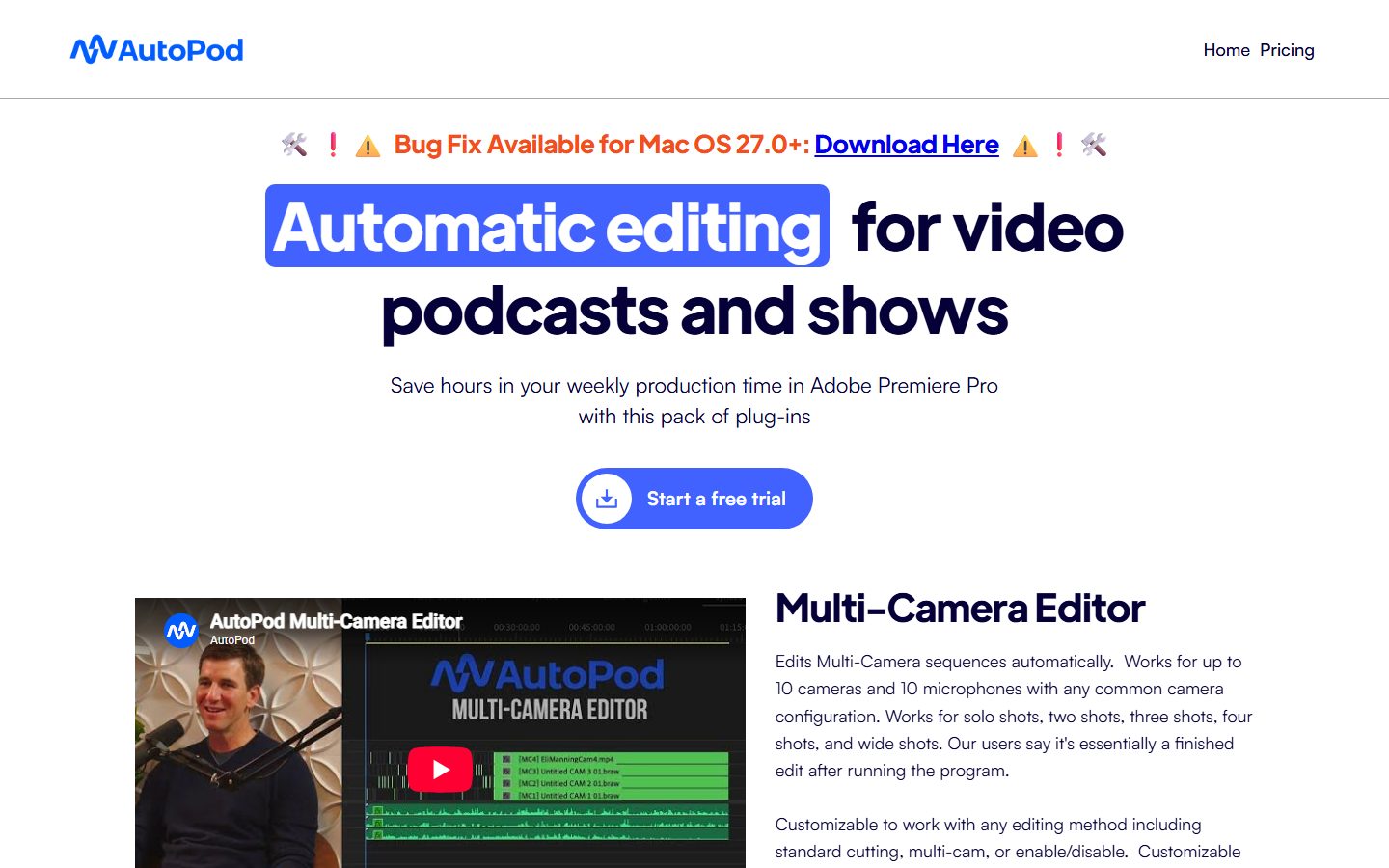
AutoPod is a set of Adobe Premiere Pro plug-ins that are designed for video podcast and video show editors. Edit multi-camera videos automatically, create social clips, and create jump cuts during silent portions of videos.
AI podcast tools cover the whole production chain: recording remote guests at full quality, editing by transcript, cleaning up audio, and producing transcripts, show notes and social clips.
What are AI Podcasting tools?
Most of the time in podcasting goes on editing and promotion rather than recording, which is exactly where these tools save the most.
What matters most when comparing tools
Local recording. Recording each guest locally protects quality when the connection drops.
Editing method. Transcript-based editing is far faster than a waveform for conversation.
Audio repair. Noise and echo removal that does not make voices sound processed.
Publishing extras. Transcripts, chapters, show notes and clips from the same tool.
Match the tool to the job
Most teams get the best results by picking a tool built for the kind of design they do most often:
Free plans in Podcasting are usually enough to test a tool and handle occasional work. Paid plans typically lift usage limits, unlock the more advanced models or exports, and add the team features you need once more than one person is involved. Prices on this page come from each tool's own pricing page, so confirm on their site before you buy.
Tips for better results
Record locally for every participant. It is the single biggest quality decision you make.
Ask guests to use headphones; it removes echo before any tool has to.
Edit the transcript first, then do audio polish, so you are not processing sections you will cut.
Publish a transcript with every episode. It helps discovery and accessibility at almost no cost.
The bottom line
Start with the kind of work you do most, shortlist two or three tools built for it, and try their
free plans on a real project. Compare how editable the results are, how well they fit your existing
workflow, and what the exports look like before you pay for a year.
Ready to pick a tool? Browse all 6 AI Podcasting tools with pricing and verified details.
Browse tools
For straightforward conversation, largely yes. For narrative podcasts with music, layering and careful pacing, an editor still adds a great deal.
How do I fix a guest with bad audio? +
Enhancement tools help significantly and cannot work miracles. Prevention, with headphones and local recording, beats any repair.
Should I publish transcripts? +
Yes. They make episodes searchable, improve accessibility and give you the raw material for show notes and clips.
Which AI Podcasting tools are listed on Ai Product Index? +
6 AI Podcasting tools are listed, including Adobe Podcast, Descript, Cleanvoice AI, Adobe Speech Enhancer, Autopod, Podwise. Verified listings show full features, pricing, and pros and cons.