FireCut AI
UNCLAIMEDFireCut, AI Video Editing Plugin for Premiere Pro & DaVinci Resolve
Overview
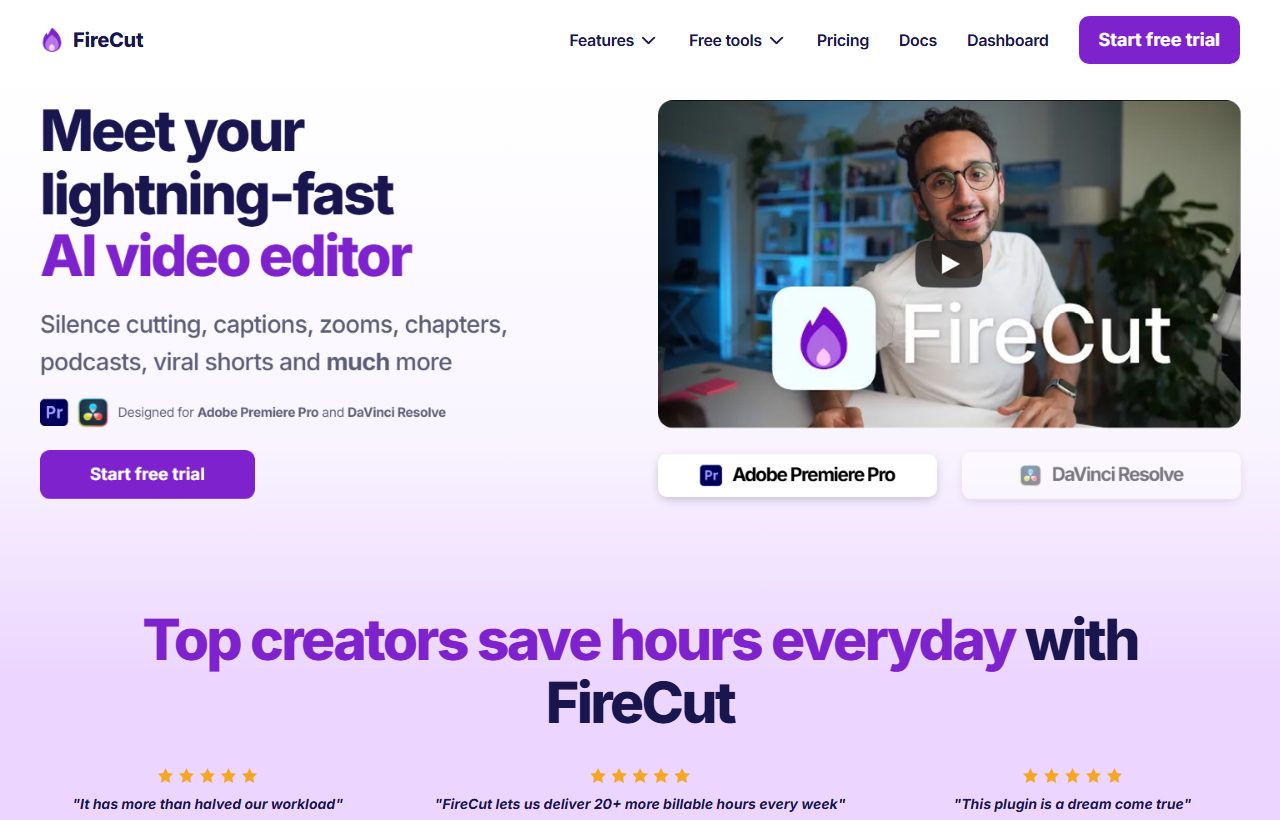
FireCut is an AI editing assistant that runs as a plugin inside Adobe Premiere Pro and DaVinci Resolve, with a separate browser-based tool called FireCut Shorts for turning long recordings into vertical clips. It focuses on the repetitive parts of editing, such as cutting silences.
About FireCut AI
FireCut is an AI editing assistant that runs as a plugin inside Adobe Premiere Pro and DaVinci Resolve, with a separate browser-based tool called FireCut Shorts for turning long recordings into vertical clips. It focuses on the repetitive parts of editing, such as cutting silences, removing filler words and repetitions, adding captions, and inserting zoom cuts.
Inside the editor, users can generate animated captions in dozens of languages, detect chapters, pull in stock B-roll and music through a Storyblocks integration, auto-edit multi-track podcasts, and extract highlight clips from long-form footage. Higher tiers add script-based editing, a feature the company calls Magic Cut for building a first edit from raw footage, and AI voiceover.
The company, based in London, is tied to the team of YouTuber Ali Abdaal, where the tool was first used in-house. Pricing is split by host application, with a free tier for DaVinci Resolve and the Shorts web app, a 7-day free trial on individual plans, and a per-seat team plan.
Demo video Locked
Hidden until this listing is claimed The owner adds this when they verify FireCut AI.
Claim to unlock →FireCut AI homepage
✨ Key Features
Silence removal
Cuts silent gaps from footage in one click or with advanced settings.
Animated captions
Transcribes speech and adds styled captions in 50+ languages.
Filler word cleanup
Removes filler words, repetitions and profanity from the timeline.
Zoom cuts
Automatically adds punch-in zooms at selected moments.
Podcast auto-editing
Edits multi-track podcast recordings by switching between speakers.
Highlight clips
Pulls short highlight clips out of long-form videos.
🎯 Target Audience
YouTubers
Speed up rough cuts and captioning for talking-head videos.
Podcasters
Auto-edit multi-camera and multi-track podcast episodes.
Video editors
Offload repetitive cleanup tasks inside Premiere Pro or Resolve.
Social media creators
Turn long recordings into captioned short-form clips.
Content teams
Share plugin seats with central billing and admin controls.
⚖️ Pros & Cons
Pros
Cons
Founder / CEO Locked
Hidden until this listing is claimed The owner adds this when they verify FireCut AI.
Claim to unlock →Pricing Prices from the maker · check the maker's own site for current plans
Premiere Pro Starter
$10 /mo
- One-click and advanced silence cutting
- J-cuts
- Discord community access
- $6/mo if billed yearly
Premiere Pro Pro
$19 /mo
- 25 hours of transcription per month
- Captions in 50+ languages
- Podcast auto-editing and zoom cuts
- Storyblocks B-roll and music
Premiere Pro Max
$32 /mo
- 100 hours of transcription per month
- Script-based editing and Magic Cut
- AI voiceover via ElevenLabs
- 4K B-roll
DaVinci Resolve Free
$0 /mo
- Silence removal
- Multichannel audio splitting
- Markers+ marker tools
DaVinci Resolve Pro
$12 /mo
- Captions in 90+ languages
- Filler, repetition and profanity removal
- Zooms, chapters and B-roll
- 10 hours of transcription per month
Team
$34 /user/mo
- Premiere Pro and Resolve Pro plugins
- Centralized billing and admin controls
- Per-seat usage monitoring
- Billed monthly
❓ Frequently Asked Questions
Is FireCut free?
The DaVinci Resolve plugin and the browser-based FireCut Shorts have free tiers. Premiere Pro plans are paid, with a 7-day free trial on individual plans.
Which editing software does FireCut work with?
FireCut runs as a plugin in Adobe Premiere Pro and DaVinci Resolve. FireCut Shorts runs in the browser without an editor.
How much does FireCut cost?
Premiere Pro plans start at $10 per month on monthly billing, and DaVinci Resolve paid plans start at $7 per month. Yearly billing lowers the monthly rate.
Does FireCut add captions?
Yes. It transcribes speech and adds animated captions in 50+ languages on Premiere Pro and 90+ languages on DaVinci Resolve.
Who makes FireCut?
FireCut is made by a London-based company founded in 2023. The tool was first used in-house by YouTuber Ali Abdaal's team.
What is FireCut AI?
FireCut runs inside Premiere Pro and DaVinci Resolve, automating silence removal, captions, zoom cuts, chapters and more. Try it free.
What are the key features of FireCut AI?
FireCut AI offers 6 main features. Silence removal: Cuts silent gaps from footage in one click or with advanced settings. Animated captions: Transcribes speech and adds styled captions in 50+ languages. Filler word cleanup: Removes filler words, repetitions and profanity from the timeline. Zoom cuts: Automatically adds punch-in zooms at selected moments. Podcast auto-editing: Edits multi-track podcast recordings by switching between speakers. Highlight clips: Pulls short highlight clips out of long-form videos.
How much does FireCut AI cost?
FireCut AI uses a Freemium pricing model. Available plans include Premiere Pro Starter at $10/mo, Premiere Pro Pro at $19/mo, Premiere Pro Max at $32/mo, DaVinci Resolve Free at $0/mo, DaVinci Resolve Pro at $12/mo, Team at $34/user/mo.
What are the pros and cons of FireCut AI?
Key advantages include: Works inside existing editors rather than replacing them; Free tier available for DaVinci Resolve and the Shorts web app; 7-day free trial on individual plans; Stock B-roll and music included in paid tiers. Potential drawbacks: Separate pricing for each host app can be confusing; Transcription hours are capped per plan; Free Shorts exports are 720p with a watermark.
What type of tool is FireCut AI?
FireCut AI is listed under Video Editor on Ai Product Index.
Does FireCut AI offer a free plan?
Yes, FireCut AI offers a free plan. Silence removal. Multichannel audio splitting. Markers+ marker tools
SIDE BY SIDE
FireCut AI vs Runway vs CapCut
See at a glance which tool leads on each point. ★ = best in row
| CRITERIA | F | R  Runway VERIFIED | C  CapCut UNCLAIMED |
|---|---|---|---|
| Best for | FireCut, AI Video Editing Plugin for Premiere Pro & DaVinci Resolve | Building Real-World Intelligence | CapCut AI Video Editor: Smart Online Video Editing with Advanced AI Tools |
| Starting price | $10 / month ★ Lowest | $15 / month | $19.99 / month |
| Free plan | Yes | Yes | Yes |
| Verified listing | No | Yes ★ Only one | No |
| Pricing model | Freemium | Freemium | Freemium |
| Founded | 2023 | 2018 ★ Longest running | 2020 |
| Links | View listing | View listing | View listing |
REVIEWS
What people say about FireCut AI
No reviews yet
If you have used FireCut AI, yours would be the first. Create a free account to leave a review, or sign in if you already have one.
MORE LIKE THIS