gstack
UNCLAIMEDNavigation Menu
Overview
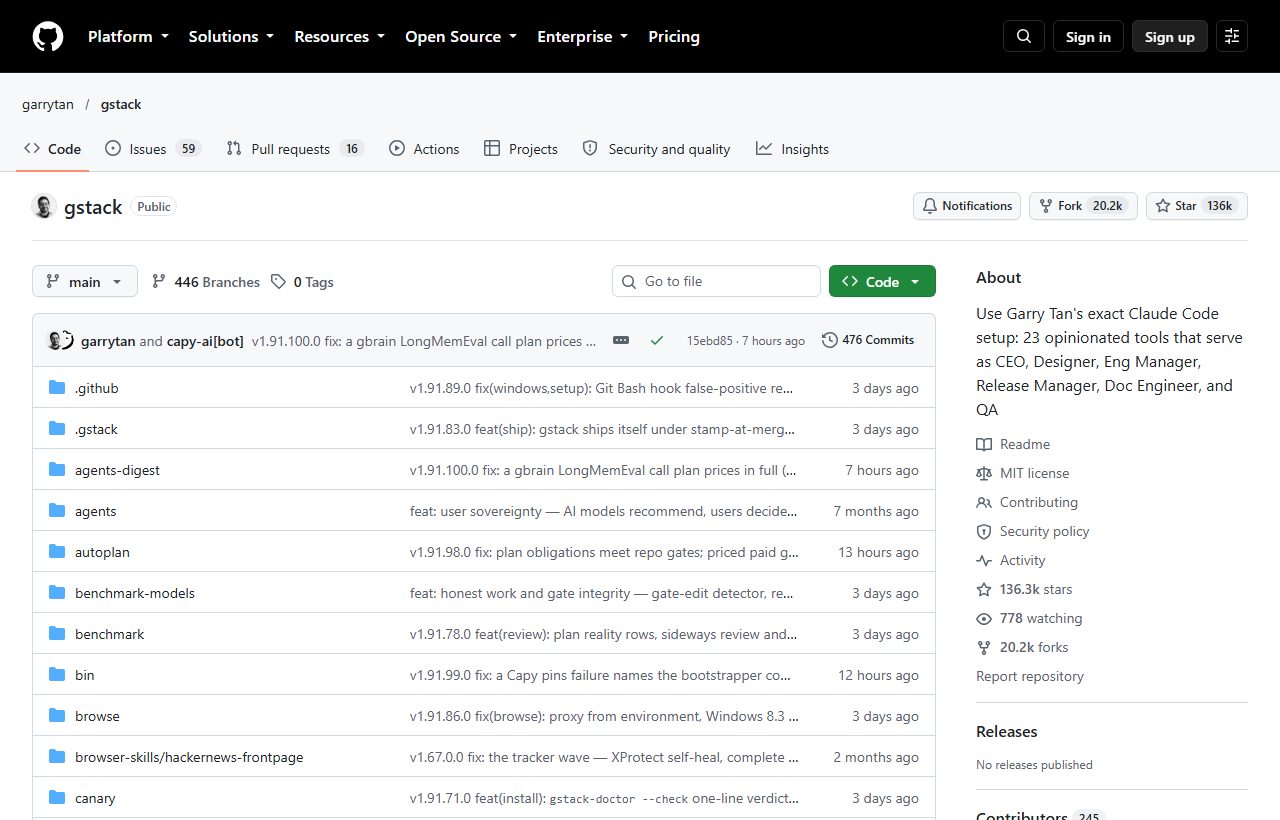
gstack is an open-source collection of Claude Code skills that its author describes as a personal daily setup. It packages more than 20 slash commands, each written in Markdown, that give the coding agent distinct roles such as CEO reviewer, designer, engineering manager, QA tester and release manager.
About gstack
gstack is an open-source collection of Claude Code skills that its author describes as a personal daily setup. It packages more than 20 slash commands, each written in Markdown, that give the coding agent distinct roles such as CEO reviewer, designer, engineering manager, QA tester and release manager.
The skills follow a sprint structure of think, plan, build, review, test, ship and reflect, with each step handing its output to the next. For example, an office-hours command writes a design doc that a planning review reads, and the QA command uses a real browser to test against the engineering plan. Other commands cover security audits, design mockups, post-deploy monitoring, safety guards and second-opinion reviews from another provider's CLI.
Claude Code has full support, while Codex CLI, Cursor, OpenCode and several other agents are listed as experimental. Installation clones the repository into the Claude skills folder and runs a setup script that requires Git and Bun. The project is MIT licensed, telemetry is off by default, and the productivity figures in its README are the author's own.
Demo video Locked
Hidden until this listing is claimed The owner adds this when they verify gstack.
Claim to unlock →gstack homepage
✨ Key Features
Role-based slash commands
Gives Claude Code specialist roles like CEO, designer and QA.
Sprint workflow
Chains skills from planning through review, testing and shipping.
Browser-based QA
Tests apps in a real browser against the engineering plan.
Security audit
Runs an OWASP and STRIDE-based review of the codebase.
Release tooling
Handles shipping, deployment, canary monitoring and release notes.
Team mode
Makes gstack required or optional across a shared repository.
🎯 Target Audience
Claude Code users
Add a structured, opinionated workflow to their agent.
Startup founders
Plan, build and ship products with fewer people.
Solo developers
Get automated reviews, QA and release steps on their own projects.
Engineering teams
Standardize agent skills across a shared repository.
Product designers
Generate design systems and mockup variants with an agent.
⚖️ Pros & Cons
Pros
Cons
Founder / CEO Locked
Hidden until this listing is claimed The owner adds this when they verify gstack.
Claim to unlock →Pricing Prices from the maker · check the maker's own site for current plans
Free
$0
- gstack does not publish a plan table
❓ Frequently Asked Questions
Is gstack free?
Yes. gstack is open source under the MIT license, though you still need access to Claude Code or another supported agent.
Who makes gstack?
gstack is a personal open-source project under the MIT license rather than an official Y Combinator product.
Which coding agents does gstack support?
Claude Code has full support. Codex CLI, OpenCode, Cursor, Factory Droid, Kiro, GitHub Copilot CLI and Antigravity CLI are experimental.
How do I install gstack?
Clone the repository into your Claude skills folder and run the setup script. It requires Git and Bun, plus Node.js on Windows.
Does gstack collect telemetry?
Telemetry is opt-in and off by default, though an update check is enabled by default.
What is gstack?
An opinionated Claude Code setup: 23 tools that serve as CEO, Designer, Eng Manager, Release Manager, Doc Engineer, and QA.
What are the key features of gstack?
gstack offers 6 main features. Role-based slash commands: Gives Claude Code specialist roles like CEO, designer and QA. Sprint workflow: Chains skills from planning through review, testing and shipping. Browser-based QA: Tests apps in a real browser against the engineering plan. Security audit: Runs an OWASP and STRIDE-based review of the codebase. Release tooling: Handles shipping, deployment, canary monitoring and release notes. Team mode: Makes gstack required or optional across a shared repository.
How much does gstack cost?
gstack uses a Free pricing model.
What are the pros and cons of gstack?
Key advantages include: Free and open source under the MIT license; Covers the full cycle from planning to release; Supports several agent CLIs beyond Claude Code; Telemetry is opt-in and off by default. Potential drawbacks: Highly opinionated workflow may not suit every team; Hosts other than Claude Code are experimental; Requires Bun and command-line setup.
What type of tool is gstack?
gstack is listed under Coding on Ai Product Index.
SIDE BY SIDE
gstack vs Cursor vs GitDiagram
See at a glance which tool leads on each point. ★ = best in row
| CRITERIA | G | C  Cursor VERIFIED | G |
|---|---|---|---|
| Best for | Navigation Menu | AI Coding Agent for Building Ambitious Software | Visualize Any GitHub Repository |
| Starting price | Free | $20 / month | Free |
| Free plan | Yes | No | Yes |
| Verified listing | No | Yes ★ Only one | No |
| Pricing model | Free | Paid | Free |
| Founded | 2026 | 2022 ★ Longest running | 2024 |
| Links | View listing | View listing | View listing |
REVIEWS
What people say about gstack
No reviews yet
If you have used gstack, yours would be the first. Create a free account to leave a review, or sign in if you already have one.
MORE LIKE THIS