H 
Freemium from $8.50 / month
AI Transcription & Notetaker in 150+ Languages

AI transcription for interviews, meetings, video and podcasts.
AI transcription tools turn speech in interviews, meetings, videos and podcasts into editable text. Compare accuracy in your language, speaker labels, subtitle export formats such as SRT and how each service handles your recordings.
 T
 A
 W
 T
 R
 13 AI tools
Every listing reviewed by our team
Featured placements always labeled
Verified profiles claimed by makers
Submit your tool★ FEATURED IN TRANSCRIPTION
Freemium from $8.50 / month
AI Transcription & Notetaker in 150+ Languages
Usage based
AI models to transcribe and understand speech
Freemium from $8 / month
AI Note Taker for Google Meet, Zoom & Teams
Freemium from $33 / month
Voice Notes to Polished Text, in Any Style
Freemium from $15 / month
Effortless Voice Dictation
Freemium from $20 / month
Transcribe Audio and Video to Text
Freemium from $29 / month
Riverside: HD Podcast & Video Software

Freemium from $10 / month
Fast and Accurate Voice Dictation

Freemium
AI-Powered Speech to Text, TTS, Subtitle Generator & Video Translation Tool
Free Trial from $12.49 / month
Clipto - Local AI Memory Platform for Your Media
Free
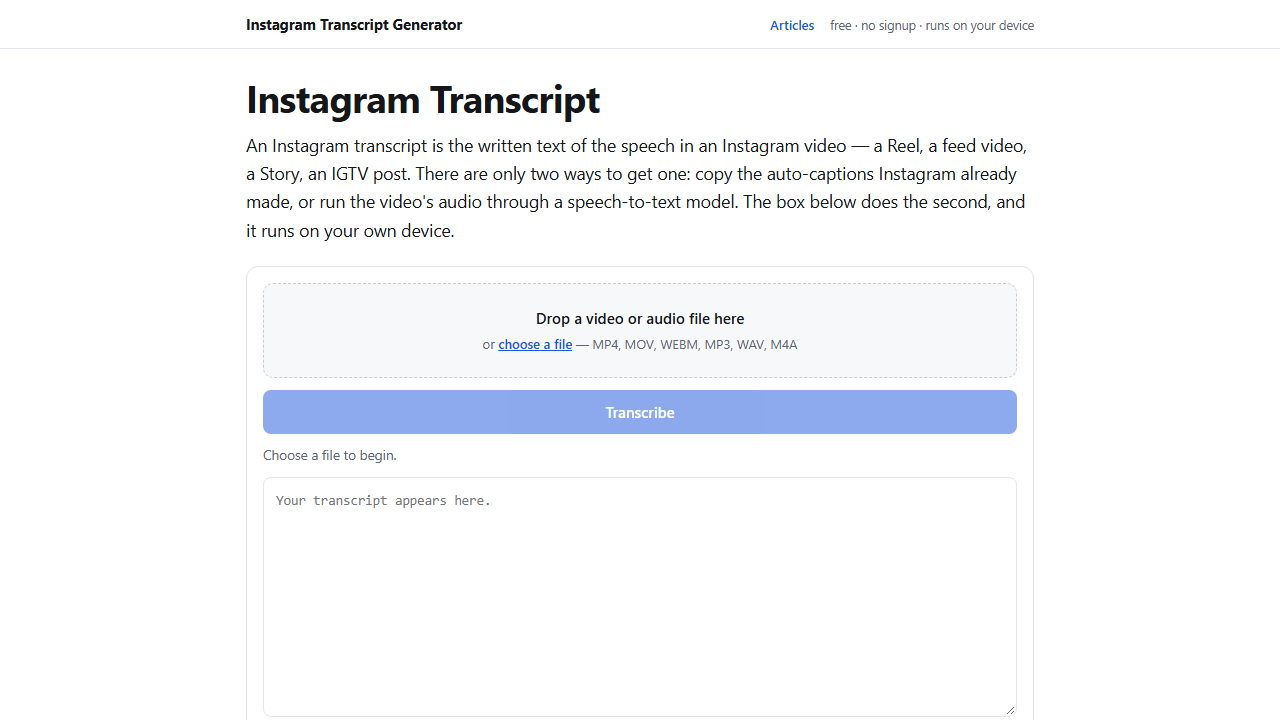
Turn Instagram Reels into TXT, SRT or VTT transcripts

Freemium from $20 / month
Turn recordings into source-linked work
Free Trial
Fast, private voice dictation for Mac and Windows
No tools match these filters.
Showing of tools
AI transcription tools convert recorded or live speech into text with timestamps and speaker labels. They replace hours of manual typing with a quick correction pass, and the main uses are interview transcripts, meeting notes, video subtitles and voice dictation. Compare them on accuracy, speaker labels, export formats and privacy.
AI transcription tools are speech-to-text services that use automatic speech recognition (ASR) models to convert audio into written words. There are 3 main kinds: file transcribers such as TurboScribe for uploaded audio and video, meeting note takers such as Tactiq that transcribe live calls, and dictation apps such as Wispr Flow that type as you speak.
A transcript is only as good as 4 things: accuracy in your language, speaker labels, export formats and privacy.
AI transcription tools cover 4 speech-to-text jobs, and each job favors a different kind of tool:
| Tool | Best for | Pricing |
|---|---|---|
| Happy Scribe | AI Transcription & Notetaker in 150+ Languages | Freemium · from $8.50 / month |
| AssemblyAI | AI models to transcribe and understand speech | Usage based |
| Tactiq | AI Note Taker for Google Meet, Zoom & Teams | Freemium · from $8 / month |
| AudioPen | Voice Notes to Polished Text, in Any Style | Freemium · from $33 / month |
| Wispr Flow | Effortless Voice Dictation | Freemium · from $15 / month |
| TurboScribe | Transcribe Audio and Video to Text | Freemium · from $20 / month |
| Riverside Transcription | Riverside: HD Podcast & Video Software | Freemium · from $29 / month |
| Aqua Voice | Fast and Accurate Voice Dictation | Freemium · from $10 / month |
Free plans of AI transcription tools usually cap monthly minutes or file length and limit exports to plain text. Paid plans add more transcription hours, longer files, subtitle formats such as SRT, custom vocabulary, extra languages and, on some services, human proofreading. Prices on this page come from each tool's own pricing page, so confirm on their site before you buy.
AI transcription tools convert recorded or live speech into text with timestamps and speaker labels, which turns hours of typing into a quick correction pass. Compare accuracy, speaker labels, export formats and privacy. Upload one real 10-minute recording to 2 free plans and count the errors in each.
The best free AI transcription tool is the one with the highest accuracy on your own recordings. Most tools here are freemium, with free minutes that suit occasional interviews but not weekly podcasts.
AI transcription is highly accurate on clear audio in common languages. Accuracy drops with background noise, crosstalk, strong accents and technical jargon, so recording quality matters more than the tool.
Yes, AI transcription can identify different speakers and label each one in the transcript. Labels are most reliable with distinct voices, little crosstalk and a separate track per speaker.
No, AI transcription is not private by default on every service, and some tools store audio or use it for training. Read the retention and training policy before you upload interviews, medical or legal recordings.
13 AI Transcription tools are listed, including Happy Scribe, AssemblyAI, Tactiq, AudioPen, Wispr Flow, TurboScribe. Verified listings show full features, pricing, and pros and cons.