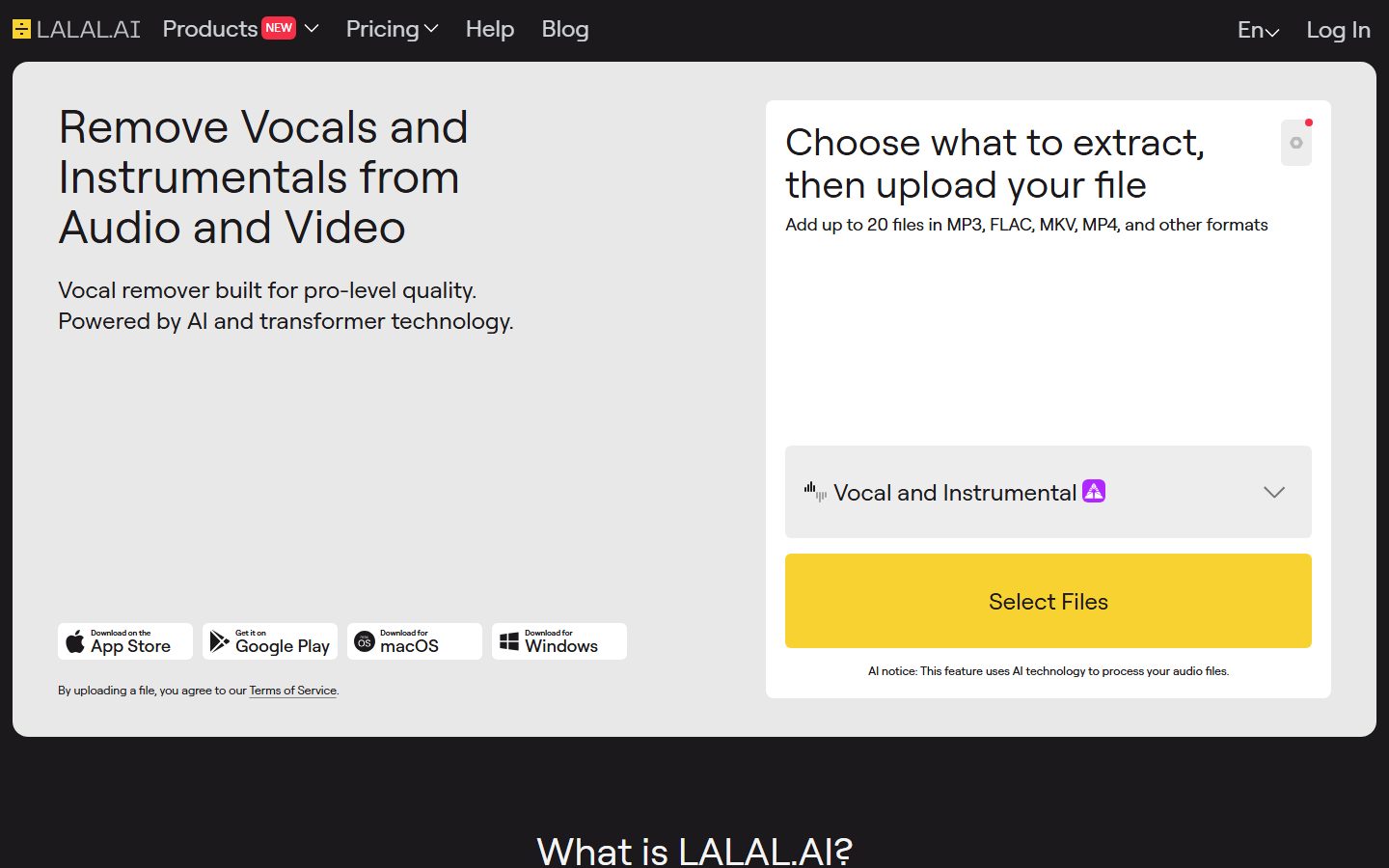
Remove Vocals and Instrumentals from Audio and Video. Vocal Remover & Stem Splitter. Enterprise Solutions.
From $9.99 / month

AI audio editors for cleaning up, mixing and mastering sound.
Compare AI audio editors for cleaning up recordings, removing noise and separating stems. Test them on your worst recording, check output formats, and look at how they handle batches and long files.
 A
A  K
K  C
C  V
V  V
V  11 AI tools
 Every listing reviewed by our team
Featured placements always labeled
Verified profiles claimed by makers
Submit your tool★ FEATURED IN AUDIO EDITOR
Remove Vocals and Instrumentals from Audio and Video. Vocal Remover & Stem Splitter. Enterprise Solutions.
From $9.99 / month
Pricing hidden
AI audio recording and editing, all on the web
Pricing hidden
Voice AI for Meetings: Noise Cancellation & AI Note Taker
Paid from $9.99 / month
AI Vocal Remover & Instrumental Isolator
Pricing hidden
Edit Audio & Video Podcast in 10 Mins, in Clicks
Pricing hidden
Free Real Time Voice Changer for PC & Mac
Pricing hidden
VEED, AI Video Creation Platform

Pricing hidden
Audio intelligence

Pricing hidden
An open source MIDI converter from Spotify - Demo

Pricing hidden
Your online audio toolkit

Pricing hidden
Next generation audio from Adobe is here
Pricing hidden
Melody ML lets you easily seperate audio tracks using Machine Learning
No tools match these filters.
Showing of tools
AI audio editors repair and reshape sound. The headline features are noise and echo removal, which can rescue a recording made in a bad room, and stem separation, which pulls vocals and instruments apart from a finished mix.
These tools are best judged on your own worst recording. Every demo sounds impressive; what matters is whether a real, difficult file comes back usable.
Most teams get the best results by picking a tool built for the kind of design they do most often:
| Tool | Best for | Pricing |
|---|---|---|
| Adobe Podcast | AI audio recording and editing, all on the web | See listing |
| Krisp | Voice AI for Meetings: Noise Cancellation & AI Note Taker | See listing |
| LALAL.AI | AI Vocal Remover & Instrumental Isolator | Paid · from $9.99 / month |
| Cleanvoice AI | Edit Audio & Video Podcast in 10 Mins, in Clicks | See listing |
| Voicemod | Free Real Time Voice Changer for PC & Mac | See listing |
| VEED Audio Editor | VEED, AI Video Creation Platform | See listing |
| ai-coustics | Audio intelligence | See listing |
| Basic Pitch | An open source MIDI converter from Spotify - Demo | See listing |
Free plans in Audio Editor are usually enough to test a tool and handle occasional work. Paid plans typically lift usage limits, unlock the more advanced models or exports, and add the team features you need once more than one person is involved. Prices on this page come from each tool's own pricing page, so confirm on their site before you buy.
Start with the kind of work you do most, shortlist two or three tools built for it, and try their free plans on a real project. Compare how editable the results are, how well they fit your existing workflow, and what the exports look like before you pay for a year.
It can make a poor recording usable, which is often enough. It cannot recover detail that was never captured, and heavy processing is audible.
Very good on well-produced music and noticeably weaker on dense or lo-fi mixes. Test with the specific track you care about.
For podcasts and video, generally yes. For music production, treat it as a repair step rather than a substitute for a proper recording.
11 AI Audio Editor tools are listed, including Adobe Podcast, Krisp, LALAL.AI, Cleanvoice AI, Voicemod, VEED Audio Editor. Verified listings show full features, pricing, and pros and cons.