VanceAI Video Enhancer
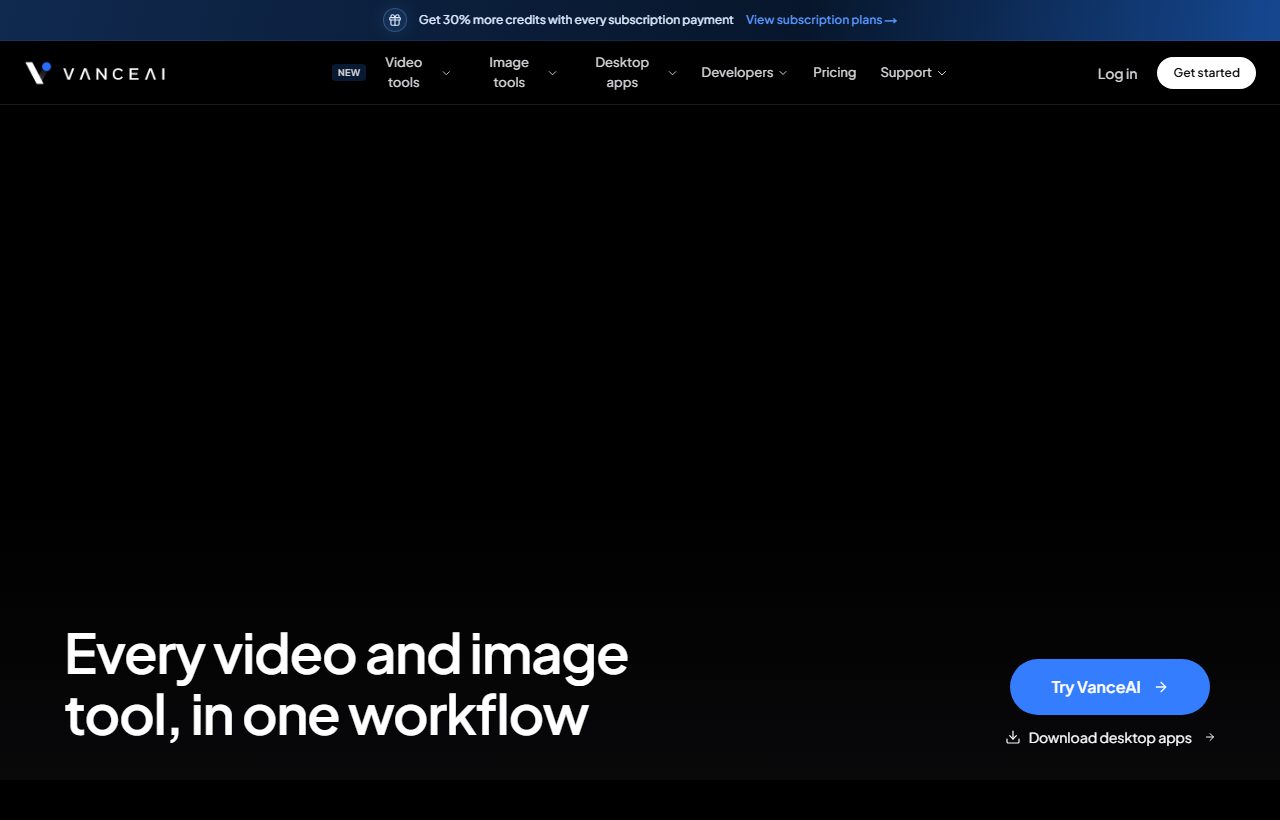
UNCLAIMEDEvery video and image tool, in one workflow
Overview
VanceAI Video Enhancer refers to the video side of VanceAI's toolset, now centred on its browser-based Video Upscaler. The tool raises the resolution of low-quality or compressed footage, for example from 480p to 1080p or 4K, and tries to restore detail and sharpen faces. Processing runs on VanceAI's servers.
About VanceAI Video Enhancer
VanceAI Video Enhancer refers to the video side of VanceAI's toolset, now centred on its browser-based Video Upscaler. The tool raises the resolution of low-quality or compressed footage, for example from 480p to 1080p or 4K, and tries to restore detail and sharpen faces. Processing runs on VanceAI's servers, so a powerful local GPU is not required.
Users choose between three models: Nexa for general footage, Cineva for cinematic restoration, and Aniva for anime and animation. Uploads accept MP4 or MOV files up to 10GB with source resolution up to 4K, and a five-second preview can be rendered for one credit before committing to a full job. The wider Video AI suite adds SDR-to-HDR conversion, colorization, denoising, motion smoothing and a subtitle generator.
VanceAI charges in credits rather than per tool, with free trial credits for new accounts, subscription plans that share credits across image and video tools, and a Windows desktop app for unlimited local processing. Developers can use an API, a ComfyUI node and an agent skill.
Demo video Locked
Hidden until this listing is claimed The owner adds this when they verify VanceAI Video Enhancer.
Claim to unlock →VanceAI Video Enhancer homepage
✨ Key Features
AI video upscaling
Upscales footage to 1080p, 1440p or 4K, or by 2x and 4x.
Multiple AI models
Nexa, Cineva and Aniva models target general, cinematic and anime footage.
Face enhancement
Detects and sharpens faces in portraits and group shots.
Low-cost previews
Renders a five-second sample for one credit before full processing.
SDR to HDR
Converts standard dynamic range video to HDR.
Denoise and colorize
Removes video noise and adds color to black-and-white footage.
🎯 Target Audience
Content creators
Sharpen low-resolution clips before publishing.
Archivists and families
Restore and colorize old or compressed home videos.
Anime fans
Upscale animated content with a dedicated model.
Video editors
Prepare legacy footage for 4K timelines.
Developers
Add video upscaling to apps through the API.
⚖️ Pros & Cons
Pros
Cons
Founder / CEO Locked
Hidden until this listing is claimed The owner adds this when they verify VanceAI Video Enhancer.
Claim to unlock →Pricing Prices from the maker · check the maker's own site for current plans
Free
$0
- 10 free credits for new users
- No credit card required
- Five-second previews for one credit
Starter
$15 /mo
- 260 credits per month
- Billed annually at $180/yr
- No watermark, unused credits roll over
Popular
$30 /mo
- 650 credits per month
- Billed annually at $360/yr
- Image and video workspaces
Creator
$45 /mo
- 1,300 credits per month
- Billed annually at $540/yr
Studio
$75 /mo
- 2,600 credits per month
- Billed annually at $900/yr
Desktop
$39.90 /mo
- Windows app with unlimited local processing
- One PC license
- Yearly option at $99.90/yr
Enterprise
Custom
- Volume discounts
- Custom integration
- Direct engineering support
❓ Frequently Asked Questions
Is VanceAI Video Enhancer free?
New users get 10 free credits without a credit card, enough to try previews. Longer or higher-resolution jobs need a paid plan or credit pack.
What video formats does VanceAI accept?
The upscaler accepts MP4 and MOV files up to 10GB, with source resolution up to 4K, and exports MP4.
How many credits does video upscaling use?
Upscaling starts at about one credit per minute, and the cost rises with input resolution, frame rate and scale factor.
Does VanceAI have an API?
Yes. VanceAI offers an API with documentation, plus a ComfyUI node and an agent skill on GitHub.
Is there a desktop version?
Yes. VanceAI Local is a Windows app with unlimited local processing, and VanceAI Cloud is a free desktop client that uses cloud processing.
What is VanceAI Video Enhancer?
VanceAI offers AI enhancing, upscaling, sharpening, denoising, background removal & generation, etc., to boost productivity and creativity in photo processing.
What are the key features of VanceAI Video Enhancer?
VanceAI Video Enhancer offers 6 main features. AI video upscaling: Upscales footage to 1080p, 1440p or 4K, or by 2x and 4x. Multiple AI models: Nexa, Cineva and Aniva models target general, cinematic and anime footage. Face enhancement: Detects and sharpens faces in portraits and group shots. Low-cost previews: Renders a five-second sample for one credit before full processing. SDR to HDR: Converts standard dynamic range video to HDR. Denoise and colorize: Removes video noise and adds color to black-and-white footage.
How much does VanceAI Video Enhancer cost?
VanceAI Video Enhancer uses a Freemium pricing model. Available plans include Free at $0, Starter at $15/mo, Popular at $30/mo, Creator at $45/mo, Studio at $75/mo, Desktop at $39.90/mo, Enterprise at Custom.
What are the pros and cons of VanceAI Video Enhancer?
Key advantages include: Runs in the browser with no GPU needed; Free trial credits without a credit card; Separate models for live action and anime; API and ComfyUI support for automation. Potential drawbacks: Credit costs vary by length, resolution and scale, making totals hard to predict; Web plan prices are listed only with annual billing; Source videos are capped at 4K and 10GB.
What type of tool is VanceAI Video Enhancer?
VanceAI Video Enhancer is listed under Video Editor on Ai Product Index.
Does VanceAI Video Enhancer offer a free plan?
Yes, VanceAI Video Enhancer offers a free plan. 10 free credits for new users. No credit card required. Five-second previews for one credit
SIDE BY SIDE
VanceAI Video Enhancer vs Runway vs Descript
See at a glance which tool leads on each point. ★ = best in row
| CRITERIA | V | R  Runway VERIFIED | D  Descript UNCLAIMED |
|---|---|---|---|
| Best for | Every video and image tool, in one workflow | Building Real-World Intelligence | AI Video & Audio Text-based Editor, Try Free |
| Starting price | $15 / month ★ Lowest | $15 / month ★ Lowest | $24 / month |
| Free plan | Yes | Yes | Yes |
| Verified listing | No | Yes ★ Only one | No |
| Pricing model | Freemium | Freemium | Freemium |
| Founded | 2020 | 2018 | 2017 ★ Longest running |
| Links | View listing | View listing | View listing |
REVIEWS
What people say about VanceAI Video Enhancer
No reviews yet
If you have used VanceAI Video Enhancer, yours would be the first. Create a free account to leave a review, or sign in if you already have one.
MORE LIKE THIS