
VEED Audio Editor
UNCLAIMEDVEED, AI Video Creation Platform
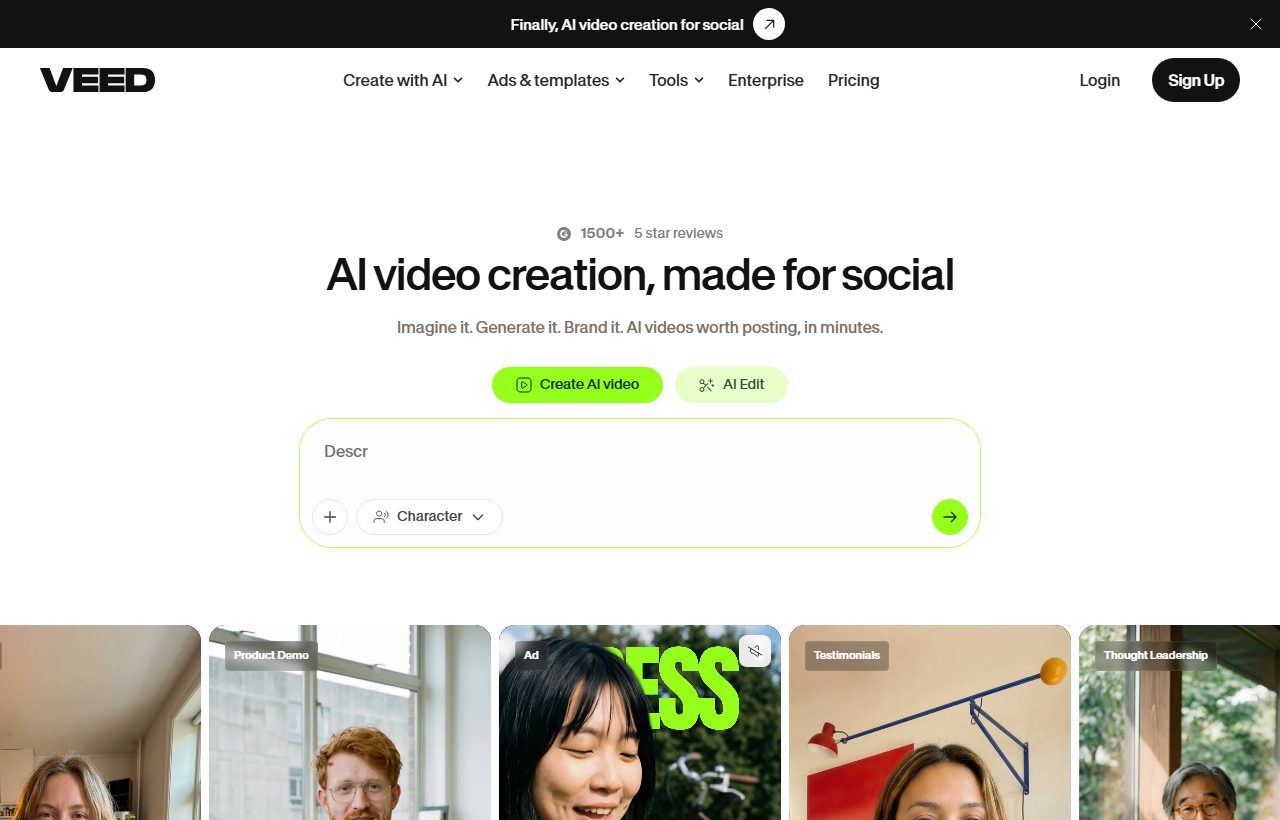
Overview
VEED Audio Editor is the audio side of VEED, a browser-based video editing suite. It lets users cut, trim, split, merge, rearrange and loop audio clips on a timeline without installing software, and it handles common formats such as MP3, WAV and M4A. The most notable feature is Clean Audio.
About VEED Audio Editor
VEED Audio Editor is the audio side of VEED, a browser-based video editing suite. It lets users cut, trim, split, merge, rearrange and loop audio clips on a timeline without installing software, and it handles common formats such as MP3, WAV and M4A.
The most notable feature is Clean Audio, a one-click noise removal tool that the company says is powered by Dolby technology and removes sounds such as wind, breathing and traffic. Users can also record voice directly in the browser, add royalty-free tracks from a library of more than 55,000 songs, generate voiceovers with text-to-speech, and attach audio to video projects. Related VEED tools cover transcription, voice cloning and audio conversion.
Basic editing such as trimming and volume adjustment is free. Noise removal, sound effects and voice translation require a paid plan, and VEED offers a seven-day trial of its paid tiers. Because the audio editor sits inside the larger VEED workspace, it suits people who work across both audio and video.
Demo video Locked
Hidden until this listing is claimed The owner adds this when they verify VEED Audio Editor.
Claim to unlock →VEED Audio Editor homepage
✨ Key Features
Timeline audio editing
Split, trim, merge, rearrange and loop clips in the browser.
Clean Audio
One-click background noise removal the company says uses Dolby technology.
Browser recording
Records voice or music directly from the browser.
Stock music library
Over 55,000 royalty-free tracks cleared for commercial use.
Text-to-speech voiceovers
Generates spoken narration from written scripts.
Audio to video
Combines audio tracks with footage in the same editor.
🎯 Target Audience
Podcasters
Trim episodes and clean up background noise before publishing.
Video creators
Edit soundtracks and voiceovers alongside their footage.
Musicians
Build quick mixes, loops and remixes in the browser.
Marketing teams
Add music and narration to social and promo videos.
Educators
Record and tidy lecture audio and narrated lessons.
⚖️ Pros & Cons
Pros
Cons
Founder / CEO Locked
Hidden until this listing is claimed The owner adds this when they verify VEED Audio Editor.
Claim to unlock →Pricing Prices from the maker · check the maker's own site for current plans
Free
$0 /mo
- Trim, split and adjust volume
- Browser recording
- Basic editing tools
- No noise removal
Enterprise
Custom
- Minimum of 3 users
- Free trial arranged through sales
- Team collaboration and brand kits
- Custom limits
❓ Frequently Asked Questions
Is VEED's audio editor free?
Yes, basic editing such as trimming and volume adjustment is free. Noise removal, sound effects and voice translation require a paid plan.
Can VEED remove background noise?
Yes. The Clean Audio tool removes background noise such as wind, breathing and traffic in one click on paid plans.
Which audio formats does VEED support?
VEED works with common formats including MP3, WAV, M4A, AAC, FLAC and OGG.
Is there a free trial of paid plans?
Yes. VEED offers a seven-day trial of its paid plans, which requires a credit card.
Who makes VEED?
VEED is made by VEED Ltd, a London-based company founded in 2018.
What is VEED Audio Editor?
Generate and edit in one workflow. Create talking heads, edit with AI, dub videos, and add subtitles, all in VEED. Built for marketers and solopreneurs.
What are the key features of VEED Audio Editor?
VEED Audio Editor offers 6 main features. Timeline audio editing: Split, trim, merge, rearrange and loop clips in the browser. Clean Audio: One-click background noise removal the company says uses Dolby technology. Browser recording: Records voice or music directly from the browser. Stock music library: Over 55,000 royalty-free tracks cleared for commercial use. Text-to-speech voiceovers: Generates spoken narration from written scripts. Audio to video: Combines audio tracks with footage in the same editor.
How much does VEED Audio Editor cost?
VEED Audio Editor uses a Freemium pricing model. Available plans include Free at $0/mo, Enterprise at Custom.
What are the pros and cons of VEED Audio Editor?
Key advantages include: Runs entirely in the browser; Free tier covers basic trimming and volume edits; Noise removal built into the same tool as video editing; Large royalty-free music library. Potential drawbacks: Noise removal and sound effects require a paid plan; Paid trial requires a credit card; Not a multitrack audio workstation for detailed mixing.
What type of tool is VEED Audio Editor?
VEED Audio Editor is listed under Audio Editor on Ai Product Index.
Does VEED Audio Editor offer a free plan?
Yes, VEED Audio Editor offers a free plan. Trim, split and adjust volume. Browser recording. Basic editing tools. No noise removal
SIDE BY SIDE
VEED Audio Editor vs Adobe Podcast vs LALAL.AI
See at a glance which tool leads on each point. ★ = best in row
| CRITERIA | V VEED Audio Editor THIS TOOL | A  Adobe Podcast UNCLAIMED | L  LALAL.AI VERIFIED |
|---|---|---|---|
| Best for | VEED, AI Video Creation Platform | AI audio recording and editing, all on the web | AI Vocal Remover & Instrumental Isolator |
| Starting price | Freemium | $19.99 / month | $9.99 / month ★ Lowest |
| Free plan | Yes | Yes | No |
| Verified listing | No | No | Yes ★ Only one |
| Pricing model | Freemium | Freemium | Paid |
| Founded | 2018 ★ Longest running | 2022 | 2020 |
| Links | View listing | View listing | View listing |
REVIEWS
What people say about VEED Audio Editor
No reviews yet
If you have used VEED Audio Editor, yours would be the first. Create a free account to leave a review, or sign in if you already have one.
MORE LIKE THIS