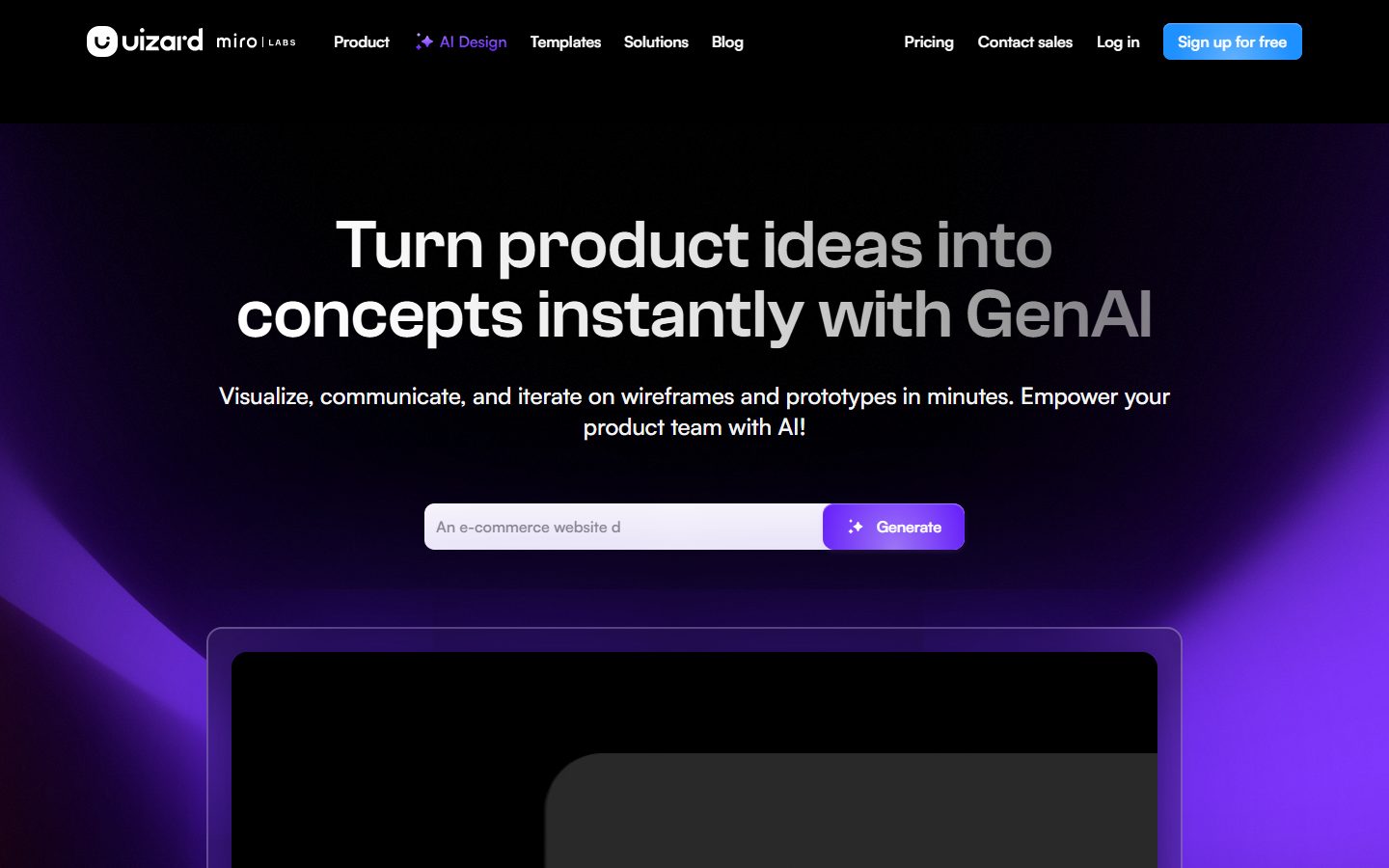
UI design for apps, websites, and desktop software in minutes. If you can use Google Slides or PowerPoint, you can use Uizard!
Free plan available Founded 2018
From $12 / month

AI tools for designing interfaces, wireframes and product screens.
Compare AI tools for designing interfaces, wireframes and product screens. Look at whether output is editable, whether it exports something developers can use, and how well it fits an existing design system.
 V
V  M
M  R
R  B
B  5 AI tools
 Every listing reviewed by our team
Featured placements always labeled
Verified profiles claimed by makers
Submit your tool★ FEATURED IN UI DESIGN
UI design for apps, websites, and desktop software in minutes. If you can use Google Slides or PowerPoint, you can use Uizard!
Free plan available Founded 2018
From $12 / month
Freemium from $12 / month
UI Design Made Easy, Powered By AI
Pricing hidden
AI-powered UI design software
Pricing hidden
AI Design Tool for Product Teams
Pricing hidden
AI Website Builder
Pricing hidden
Generate UI from Text
No tools match these filters.
Showing of tools
AI UI tools generate screens, wireframes and clickable prototypes from a description, a sketch or a screenshot. They are aimed mostly at people who need to show an idea rather than ship a final design.
The useful ones produce editable layers and export something a developer can work from. Output that is only an image looks impressive and helps nobody build anything.
Most teams get the best results by picking a tool built for the kind of design they do most often:
| Tool | Best for | Pricing |
|---|---|---|
| Uizard | UI Design Made Easy, Powered By AI | Freemium · from $12 / month |
| Visily | AI-powered UI design software | See listing |
| Magic Patterns | AI Design Tool for Product Teams | See listing |
| Readdy | AI Website Builder | See listing |
| Banani | Generate UI from Text | See listing |
Free plans in UI Design are usually enough to test a tool and handle occasional work. Paid plans typically lift usage limits, unlock the more advanced models or exports, and add the team features you need once more than one person is involved. Prices on this page come from each tool's own pricing page, so confirm on their site before you buy.
Start with the kind of work you do most, shortlist two or three tools built for it, and try their free plans on a real project. Compare how editable the results are, how well they fit your existing workflow, and what the exports look like before you pay for a year.
It produces screens quickly. Deciding what the product should do, how the flow works and why, is still design, and still a person's job.
Some tools export usable code or specs on paid plans. Treat it as a starting point rather than production-ready markup.
Support varies. Some tools accept a brand kit or component library; many generate their own styling, which then needs reworking.
5 AI UI Design tools are listed, including Uizard, Visily, Magic Patterns, Readdy, Banani. Verified listings show full features, pricing, and pros and cons.