
Visily
UNCLAIMEDAI-powered UI design software
Overview
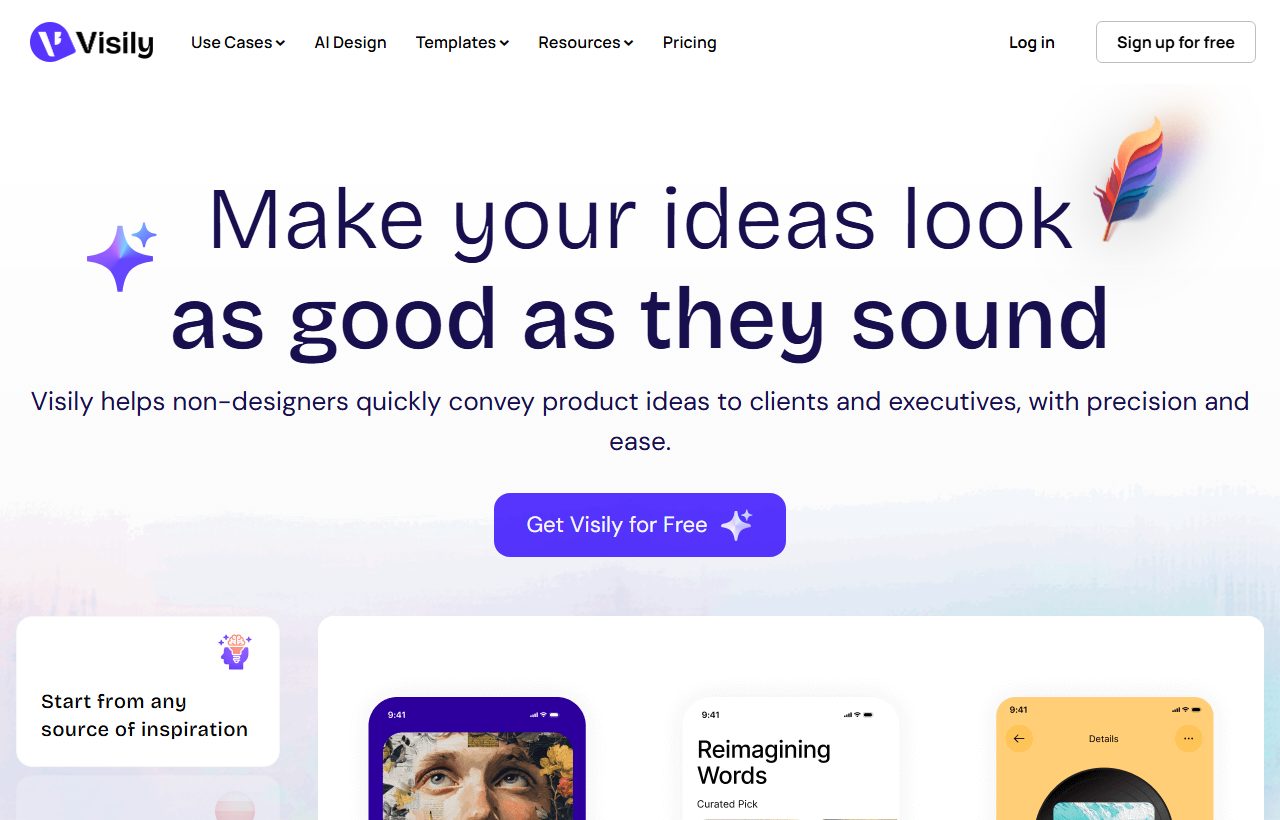
Visily is a browser-based UI design tool aimed mainly at people without a design background, such as product managers and founders. It turns text prompts, screenshots, hand-drawn diagrams or templates into wireframes, mockups and clickable prototypes that can be refined in a drag-and-drop editor or through an AI chat.
About Visily
Visily is a browser-based UI design tool aimed mainly at people without a design background, such as product managers and founders. It turns text prompts, screenshots, hand-drawn diagrams or templates into wireframes, mockups and clickable prototypes that can be refined in a drag-and-drop editor or through an AI chat.
The product includes a large template library, smart components, themes and an image and icon library, along with an open canvas for laying out screens and diagrams. Prototyping can be generated automatically, and teams can collaborate with comments, cursor chat, follow mode and shared asset libraries. Paid plans add Figma import and export, code export and an MCP server for connecting designs to coding tools.
Visily was incubated by KMS Labs, part of KMS Technology, and released its first version in 2022. A free Starter plan covers basic use with a monthly AI credit allowance, while Pro and Business plans are priced per editor.
Demo video Locked
Hidden until this listing is claimed The owner adds this when they verify Visily.
Claim to unlock →Visily homepage
✨ Key Features
Text to wireframe
Generates editable wireframes and mockups from written prompts.
Screenshot to design
Converts screenshots and diagrams into editable UI screens.
AI design chat
Lets users edit designs by describing changes in a chat.
Template library
Offers thousands of templates, smart components and themes.
Auto-prototyping
Links screens into clickable prototypes for sharing.
Real-time collaboration
Supports comments, cursor chat and follow mode on a shared canvas.
🎯 Target Audience
Product managers
Mock up feature ideas to share with engineers and stakeholders.
Startup founders
Create app concepts and prototypes without hiring a designer.
Business analysts
Turn requirements into wireframes for review.
Designers
Speed up early exploration before moving work into Figma.
Cross-functional teams
Collaborate on screens and diagrams in one shared workspace.
⚖️ Pros & Cons
Pros
Cons
Founder / CEO Locked
Hidden until this listing is claimed The owner adds this when they verify Visily.
Claim to unlock →Pricing Prices from the maker · check the maker's own site for current plans
Starter
$0 /mo
- 300 AI credits per month
- 2 editable boards per workspace
- Up to 50 workspace members
- 1x exports with watermark
Pro
$14 /editor/mo
- 3,000 AI credits per editor per month
- Unlimited boards and elements
- Figma import/export and code export
- Visily MCP server
Business
$29 /editor/mo
- Billed annually
- 10,000 AI credits per editor per month
- SAML SSO and custom teams
- 30-day version history and priority support
Enterprise
Custom
- Dedicated account manager
- Custom data retention
❓ Frequently Asked Questions
Is Visily free?
Yes. The Starter plan is free and includes 300 AI credits per month and two editable boards per workspace.
How much does Visily Pro cost?
Pro is listed at $14 per editor per month, and Business at $29 per editor per month billed annually.
Does Visily work with Figma?
Yes. Paid plans include Figma import and export, and Visily also offers a Figma plugin.
Can Visily turn a screenshot into a design?
Yes. It can convert screenshots and diagrams into editable UI screens.
Who makes Visily?
Visily was started at KMS Labs, the startup incubator of KMS Technology, and launched its first version in 2022.
What is Visily?
Visily is the UI design software anyone can use. With Visily, you can create hi-fidelity wireframes and prototypes in minutes, all with no learning curve.
What are the key features of Visily?
Visily offers 6 main features. Text to wireframe: Generates editable wireframes and mockups from written prompts. Screenshot to design: Converts screenshots and diagrams into editable UI screens. AI design chat: Lets users edit designs by describing changes in a chat. Template library: Offers thousands of templates, smart components and themes. Auto-prototyping: Links screens into clickable prototypes for sharing. Real-time collaboration: Supports comments, cursor chat and follow mode on a shared canvas.
How much does Visily cost?
Visily uses a Freemium pricing model. Available plans include Starter at $0/mo, Pro at $14/editor/mo, Business at $29/editor/mo, Enterprise at Custom.
What are the pros and cons of Visily?
Key advantages include: Free plan with 300 AI credits per month; Designed for users without design experience; Accepts prompts, screenshots and diagrams as input; Figma export and MCP server on paid plans. Potential drawbacks: Free plan limited to two editable boards with watermarked exports; Business plan is billed annually only; Figma and code export require a paid plan.
What type of tool is Visily?
Visily is listed under UI Design on Ai Product Index.
Does Visily offer a free plan?
Yes, Visily offers a free plan. 300 AI credits per month. 2 editable boards per workspace. Up to 50 workspace members. 1x exports with watermark
SIDE BY SIDE
Visily vs Uizard vs Magic Patterns
See at a glance which tool leads on each point. ★ = best in row
| CRITERIA | V Visily THIS TOOL | U  Uizard VERIFIED | M  Magic Patterns UNCLAIMED |
|---|---|---|---|
| Best for | AI-powered UI design software | UI Design Made Easy, Powered By AI | AI Design Tool for Product Teams |
| Starting price | $14 / month | $12 / month ★ Lowest | $20 / month |
| Free plan | Yes | Yes | Yes |
| Verified listing | No | Yes ★ Only one | No |
| Pricing model | Freemium | Freemium | Freemium |
| Founded | 2022 | 2018 ★ Longest running | 2023 |
| Links | View listing | View listing | View listing |
REVIEWS
What people say about Visily
No reviews yet
If you have used Visily, yours would be the first. Create a free account to leave a review, or sign in if you already have one.
MORE LIKE THIS