
VSCodium
UNCLAIMEDFree/Libre Open Source Software Binaries of VS Code
Overview
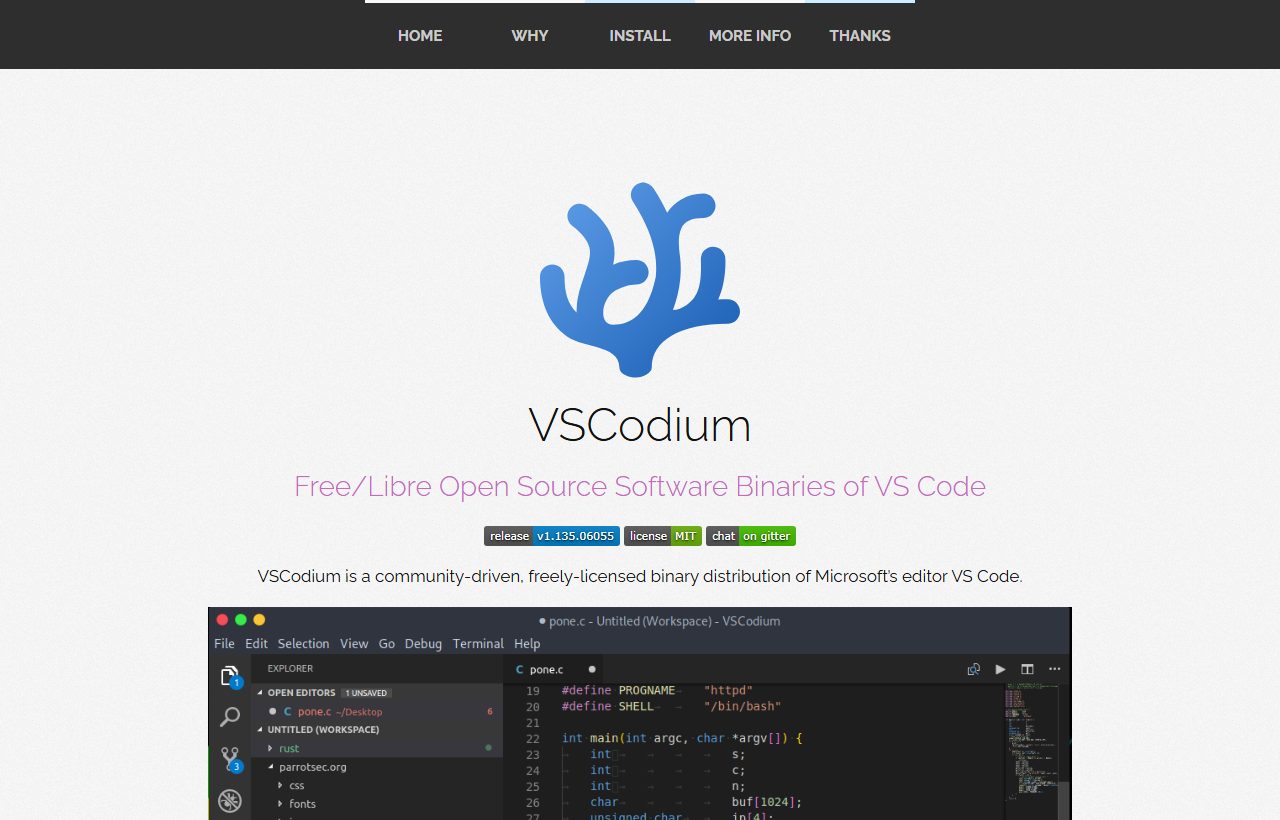
VSCodium is a community-maintained distribution of Microsoft's VS Code editor, compiled from the open-source vscode repository and published as freely licensed binaries. Its build scripts clone the upstream code, apply a community default configuration and produce releases for Windows, macOS and Linux. The binaries are MIT-licensed, unlike Microsoft's branded Visual.
About VSCodium
VSCodium is a community-maintained distribution of Microsoft's VS Code editor, compiled from the open-source vscode repository and published as freely licensed binaries. Its build scripts clone the upstream code, apply a community default configuration and produce releases for Windows, macOS and Linux. The binaries are MIT-licensed, unlike Microsoft's branded Visual Studio Code download, and telemetry is disabled.
Because Microsoft's marketplace terms restrict use by other products, VSCodium is configured to install extensions from the Open VSX registry instead of the Visual Studio Marketplace. This means most popular extensions are available, though some Microsoft-only extensions are not. AI coding assistants such as open-source agents can be added through Open VSX, but the editor itself ships without AI features.
Builds run daily and only publish when a new upstream release exists. The project offers installers through GitHub releases and package managers including Homebrew, WinGet, Chocolatey, Scoop, Snap, Flatpak and the Arch User Repository, plus maintained deb and rpm repositories.
Demo video Locked
Hidden until this listing is claimed The owner adds this when they verify VSCodium.
Claim to unlock →VSCodium homepage
✨ Key Features
Telemetry disabled
Ships with Microsoft telemetry turned off by default.
MIT-licensed binaries
Distributes freely licensed builds of the VS Code source.
Open VSX extensions
Installs extensions from the open-vsx.org registry.
Cross-platform builds
Supports Windows, macOS and Linux on several CPU architectures.
Package manager installs
Available via Homebrew, WinGet, Chocolatey, Snap, Flatpak and more.
Tracks upstream releases
Daily builds follow new VS Code releases.
🎯 Target Audience
Privacy-focused developers
Use a VS Code-based editor without telemetry.
Open-source advocates
Prefer fully FLOSS-licensed editor binaries.
Linux users
Install through distro repositories, Flatpak or AUR.
Organizations with licensing policies
Deploy an editor without proprietary license terms.
Developers using open AI agents
Add AI coding extensions from Open VSX.
⚖️ Pros & Cons
Pros
Cons
Founder / CEO Locked
Hidden until this listing is claimed The owner adds this when they verify VSCodium.
Claim to unlock →Pricing Prices from the maker · check the maker's own site for current plans
Free
$0
- VSCodium does not publish a plan table
❓ Frequently Asked Questions
Is VSCodium free?
Yes. VSCodium is free and its binaries are released under the MIT license.
How is VSCodium different from VS Code?
VSCodium is built from the same open-source code but ships with telemetry disabled, without Microsoft branding, and under an MIT license instead of Microsoft's product license.
Where does VSCodium get extensions?
It uses the Open VSX registry by default, since the Visual Studio Marketplace terms do not allow its use by other products.
Does VSCodium include AI features?
No. AI coding assistants can be installed as extensions from Open VSX, but the editor has no built-in AI.
Which platforms does VSCodium support?
VSCodium runs on Windows, macOS and Linux, including x64 and arm64 builds.
What is VSCodium?
Free/Libre Open Source Software Binaries of VSCode.
What are the key features of VSCodium?
VSCodium offers 6 main features. Telemetry disabled: Ships with Microsoft telemetry turned off by default. MIT-licensed binaries: Distributes freely licensed builds of the VS Code source. Open VSX extensions: Installs extensions from the open-vsx.org registry. Cross-platform builds: Supports Windows, macOS and Linux on several CPU architectures. Package manager installs: Available via Homebrew, WinGet, Chocolatey, Snap, Flatpak and more. Tracks upstream releases: Daily builds follow new VS Code releases.
How much does VSCodium cost?
VSCodium uses a Free pricing model.
What are the pros and cons of VSCodium?
Key advantages include: Completely free and MIT-licensed; Telemetry disabled out of the box; Same editor experience as VS Code; Wide platform and package manager support. Potential drawbacks: Some Microsoft-only extensions are unavailable through Open VSX; No built-in AI features; relies on third-party extensions; Community-run project without commercial support.
What type of tool is VSCodium?
VSCodium is listed under IDE on Ai Product Index.
SIDE BY SIDE
VSCodium vs Cursor vs Uizard
See at a glance which tool leads on each point. ★ = best in row
| CRITERIA | V VSCodium THIS TOOL | C  Cursor VERIFIED | U  Uizard VERIFIED |
|---|---|---|---|
| Best for | Free/Libre Open Source Software Binaries of VS Code | AI Coding Agent for Building Ambitious Software | UI Design Made Easy, Powered By AI |
| Starting price | Free | $20 / month | $12 / month ★ Lowest |
| Free plan | Yes | No | Yes |
| Verified listing | No | Yes | Yes |
| Pricing model | Free | Paid | Freemium |
| Founded | Not stated | 2022 | 2018 ★ Longest running |
| Links | View listing | View listing | View listing |
REVIEWS
What people say about VSCodium
No reviews yet
If you have used VSCodium, yours would be the first. Create a free account to leave a review, or sign in if you already have one.
MORE LIKE THIS